


The right monitor size for students is typically 21 to 24 inches, which fits most study desks and reduces eye strain during long study sessions. A screen that is too small makes reading textbooks and online content difficult, while one that is too large takes up valuable desk space and forces your child to move their head constantly. This guide helps you choose the ideal monitor size for your child’s study desk setup.
What is the ideal monitor size for a student study desk?
For school-age children, a 21- to 24-inch monitor strikes the best balance between visibility and desk space. At this size, your child can read text, watch educational videos, and work on assignments without leaning forward or straining their eyes. A 24-inch screen fits most study desks in Indian homes and allows comfortable viewing from 50 to 60 cm, the recommended distance for healthy eye posture.
How does monitor size affect your child’s study performance?
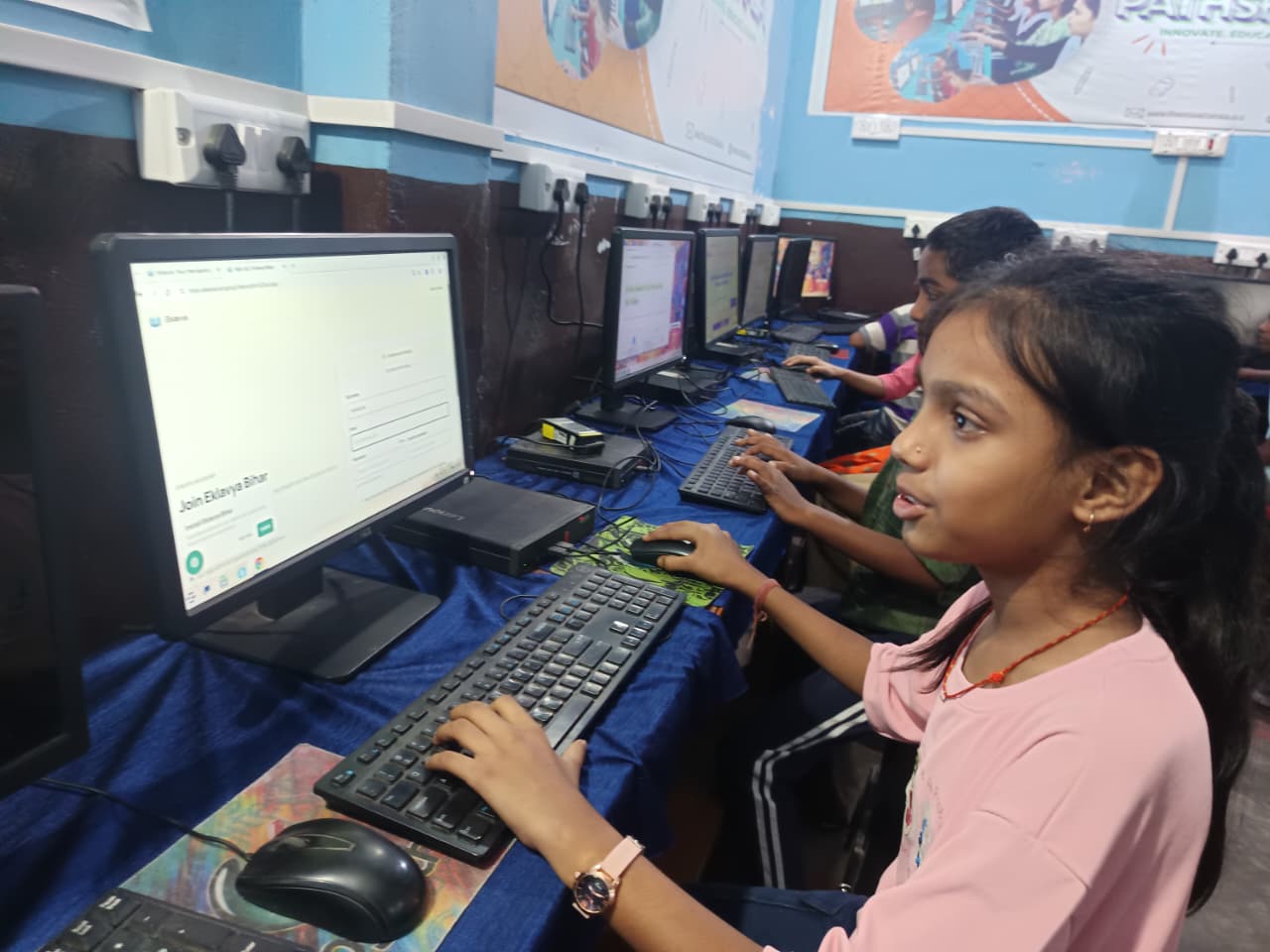
Monitor size directly impacts how long your child can study without fatigue. A screen that is too small forces them to squint or move closer, which can lead to headaches and reduced focus. Conversely, a larger screen (27 inches or more) may cause neck strain if your child has to turn their head to see all the content. The right monitor size ensures that all text, images, and video content on platforms like the DIKSHA digital learning platform are clear and comfortable to view for extended periods.
What are the main monitor sizes and their best uses?
| Monitor Size | Best For | Desk Space Needed | Viewing Distance |
|---|---|---|---|
| 19 to 21 inches | Younger children (Class 1 to 5), compact desks | Small | 40 to 50 cm |
| 22 to 24 inches | Most school students (Class 6 to 12), standard study desks | Medium | 50 to 60 cm |
| 27 inches and above | Advanced projects, coding, design work | Large | 60 to 75 cm |
For most Indian families, a 24-inch monitor offers the best value. It fits standard study desks, displays content clearly, and is affordable. Younger children may do well with 21 to 22 inches, while older students working on coding or design projects might benefit from 27 inches if desk space allows.
How should you measure your study desk for a monitor?
Before buying, measure your desk’s width and depth. Your monitor should not take up more than one-third of the desk’s width, leaving room for books, notebooks, and a keyboard. The depth should be at least 45 cm to maintain safe viewing distance and allow a keyboard and mouse to sit comfortably in front of the screen. Check that your desk has a stable, flat surface and is at a height where your child’s eyes align with the top of the monitor when seated.
A well-organised study setup for exam scores includes not just the monitor but also proper lighting, chair height, and keyboard placement. When you combine the right monitor size with these factors, your child learns more effectively and comfortably.
Why is a desktop with the right monitor better than a laptop for study?
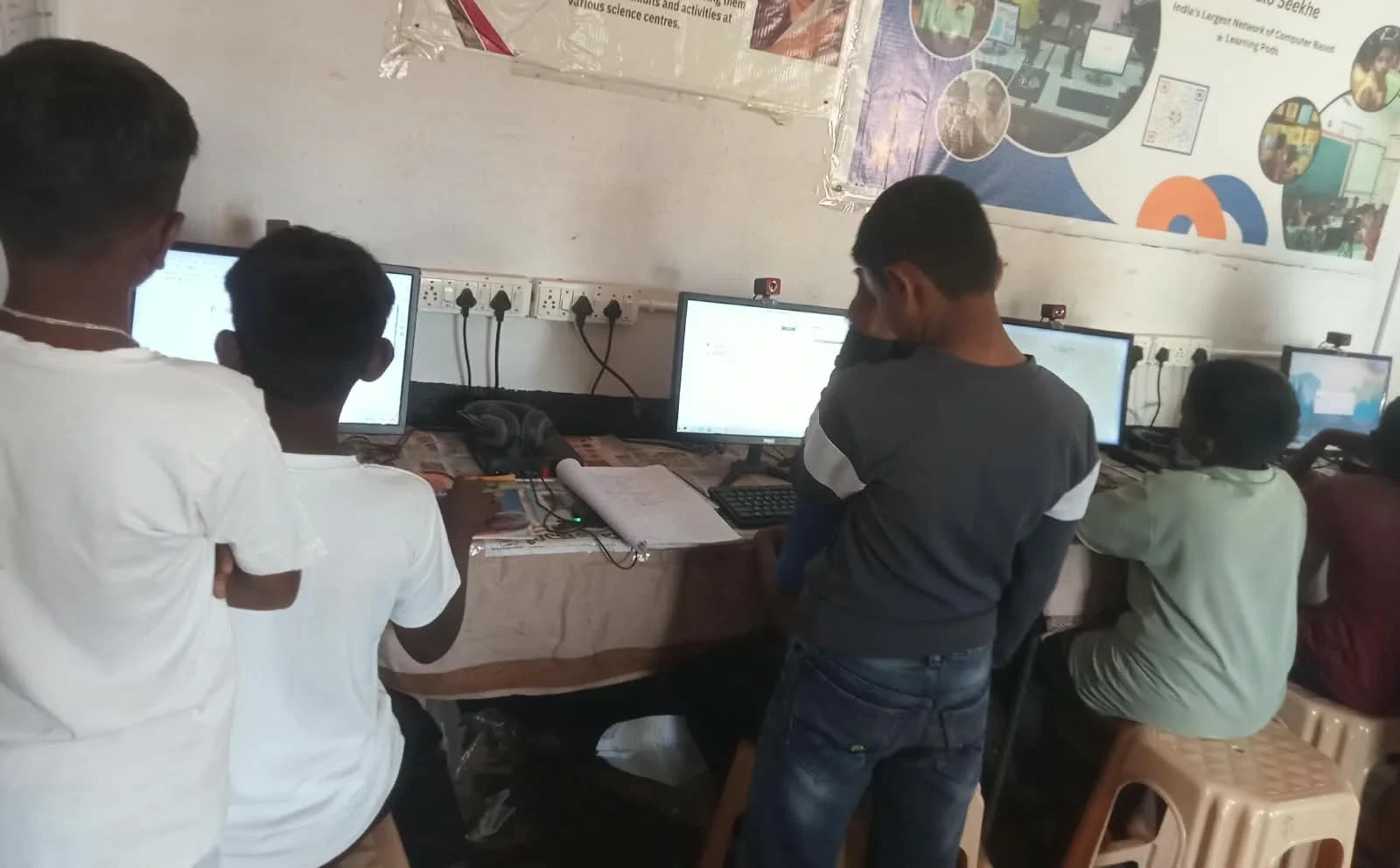
A desktop computer with the right monitor is better than a laptop for long study sessions. Laptops have smaller screens that force your child to sit closer, increasing eye strain and poor posture. A desktop as complete learning station gives you flexibility to choose the monitor size that fits your child’s needs and your desk space. You can also adjust the monitor height and angle independently, which isn’t possible with a laptop.
When comparing options, an Apna PC vs laptop comparison shows that desktops offer better value, larger screens, and longer usable life for students. Apna PC, priced at Rs. 30,000 (shipping and GST excluded), comes ready for study with 8GB RAM, 128GB SSD, and pre-loaded tools like LibreOffice and Scratch. You can pair it with your chosen monitor size to create an ideal learning environment.
What monitor features matter most for student study?
Beyond size, look for a monitor with good colour accuracy, low blue light emission, and adjustable brightness. These features reduce eye fatigue during long hours of reading and online learning. A matte (not glossy) screen reduces glare from classroom lights or study lamps. Resolution should be at least 1920×1080 (Full HD) so text remains sharp and clear.
For education-ready computing, your monitor choice matters as much as the computer itself. Apna PC by Apni Pathshala is built for study, not gaming, and works well with any standard monitor you choose. Together, they create a distraction-free, health-conscious study space.
Frequently Asked Questions
Is a 27-inch monitor too large for a student study desk?
A 27-inch monitor is too large for most standard Indian study desks unless your desk is at least 120 cm wide and positioned 70 cm away from your child’s eyes. For typical home setups, 24 inches is the practical upper limit.
Can my child use a monitor meant for gaming for studying?
Yes, gaming monitors work fine for studying, but they are often larger and more expensive than needed. A standard monitor with good brightness and colour accuracy is sufficient for schoolwork, online classes, and homework.
What viewing distance should my child maintain from the monitor?
Your child should sit 50 to 60 cm (about an arm’s length) from a 24-inch monitor. The top of the screen should be at or slightly below eye level when seated. This distance and angle reduce neck strain and eye fatigue during long study sessions.
Does monitor size affect the price of a complete study setup?
Monitor size does affect price, but only moderately. A 24-inch monitor costs about the same as a 22-inch model. Apna PC at Rs. 30,000 (shipping and GST excluded) is the core cost, and you can add a monitor that fits your budget and desk space separately. Choosing the right monitor size for your child’s study desk is an investment in their comfort, focus, and long-term eye health. Visit apnapc.com to learn more.