


Education-ready computing means a computer built specifically for learning, with the software, performance and affordability that Indian students and families need to succeed in school. An education-ready computer removes barriers to digital learning by combining reliable hardware with pre-loaded educational tools, so your child can focus on studies instead of technical problems.
This article explains what makes a computer truly education-ready, how it differs from gaming or entertainment devices, and how to choose one that fits your family’s needs and budget.
What Is Education-Ready Computing?
Education-ready computing is a computer designed to meet the learning needs of school students, with features that support study, homework, online classes and exams. It prioritises reliability, simplicity and educational software over gaming power or entertainment features.
An education-ready computer typically includes a stable operating system, enough memory and storage for schoolwork, pre-installed learning applications, and parental controls so parents can monitor their child’s screen time and online activity. The goal is to give your child a tool that supports their curriculum without distraction or unnecessary cost.
Why Do Indian Families Need Education-Ready Computers?
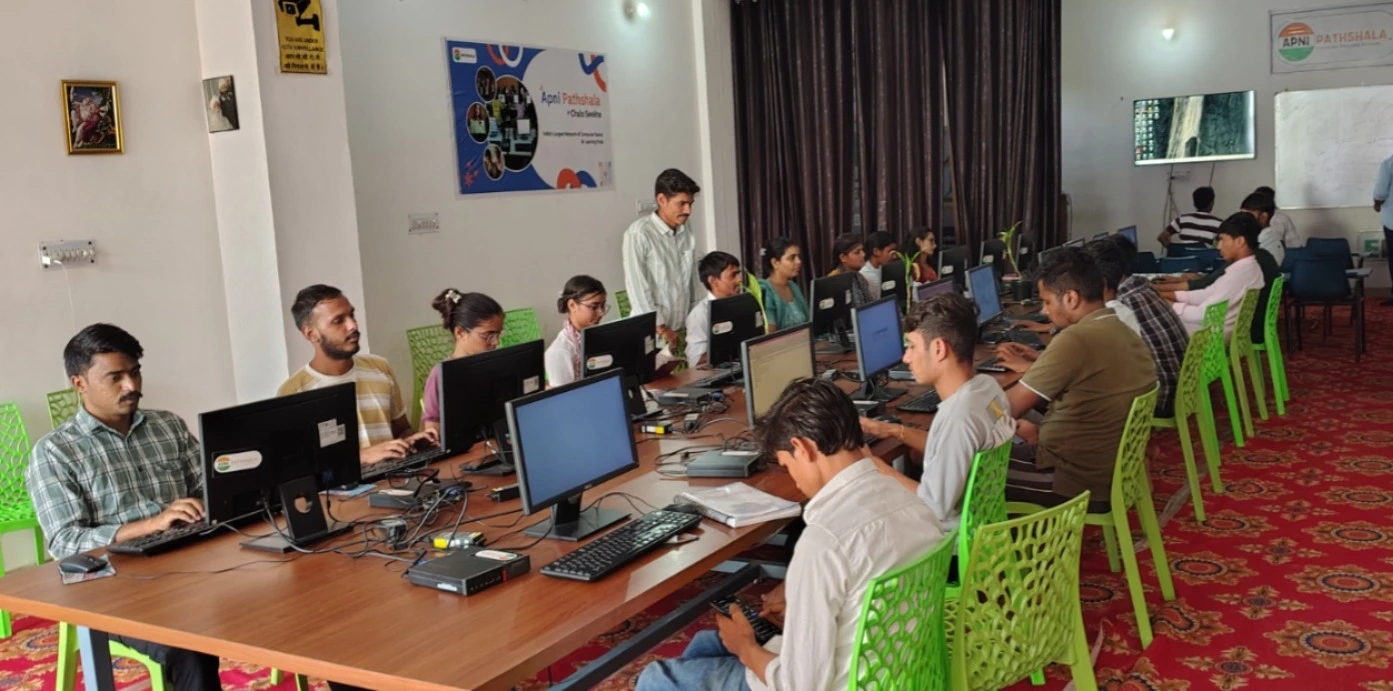
Many Indian students share family devices or rely on smartphones for schoolwork, which limits their ability to complete assignments, attend online classes or practice coding and design skills. A dedicated education-ready computer gives your child a proper study space and the software they need to keep pace with their curriculum.
Schools across India now use digital platforms like DIKSHA for learning resources and assignments. Teachers expect students to submit typed work, create presentations and use educational software. A computer built for education helps your child meet these expectations without the cost of a gaming machine or the frustration of a slow, outdated device.
How Does Education-Ready Computing Support Your Child’s Learning?
An education-ready computer supports learning in three main ways: it runs the software your child’s school uses, it handles multiple tasks without slowing down, and it includes tools that help parents stay involved in their child’s education.
Pre-loaded software like LibreOffice lets your child write essays, create spreadsheets and make presentations. Educational platforms like Scratch teach coding and logical thinking. Parental monitoring tools help you know what your child is doing online and set healthy screen time limits. Together, these features create a learning environment that’s both productive and safe for your family.
How Is Education-Ready Computing Different From Gaming Computers?
Gaming computers prioritise graphics power and speed for entertainment, which drives up cost and complexity. Education-ready computers prioritise reliability, learning software and affordability.
| Feature | Gaming Computer | Education-Ready Computer |
|---|---|---|
| Purpose | Entertainment and high-performance graphics | Study, homework and digital learning |
| Operating System | Windows or high-end Linux | Lightweight Linux (like Zorin OS) |
| Pre-loaded Software | Games, media players | LibreOffice, Scratch, parental controls |
| Cost | Rs. 50,000 and up | Rs. 30,000 (plus shipping and GST) |
| Distractions | High (designed for gaming) | Low (designed for learning) |
An education-ready computer keeps your child focused on schoolwork while keeping your budget reasonable. It’s not designed to run the latest games, and that’s by design.
What Features Should You Look for in an Education-Ready Computer?
When choosing an education-ready computer for your child, look for these key features: a stable operating system, at least 8GB of RAM for smooth multitasking, 128GB of storage for schoolwork and software, and pre-loaded educational applications.
You should also check for parental controls so you can monitor your child’s activity, a simple user interface that your child can learn quickly, and a price that fits your family’s budget. A home computer for student education should be reliable enough to handle online classes, fast enough to run multiple applications, and affordable enough that you’re not choosing between the computer and other family needs.
How Can You Set Up an Education-Ready Computer for Success?
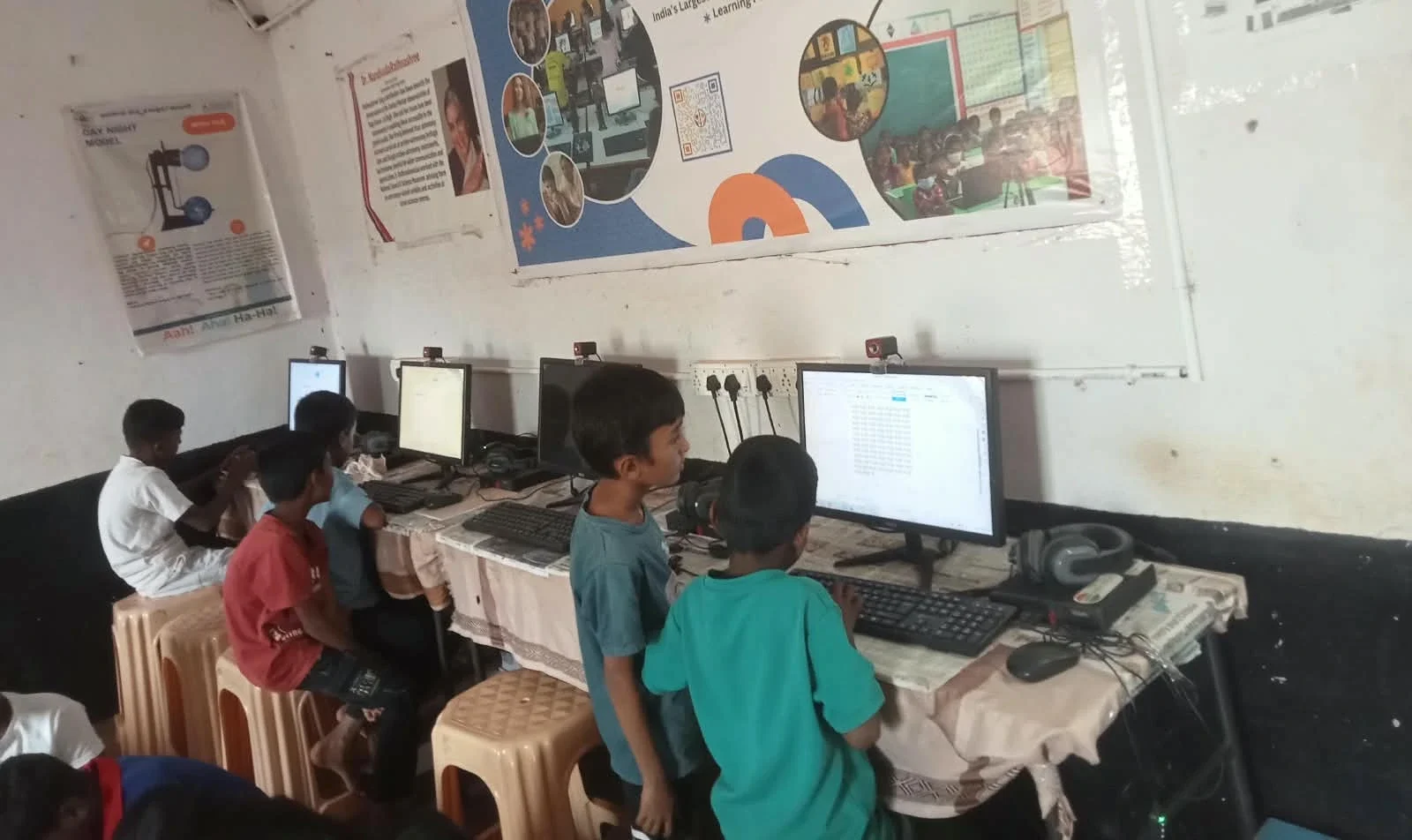
Once you have an education-ready computer, set it up to maximise your child’s learning and your confidence in their online safety. Start by creating a dedicated study space where your child uses the computer for schoolwork, away from bedrooms or entertainment areas.
Set clear rules about when and how long your child can use the computer. Use the built-in parental controls to monitor activity and block distracting websites. Help your child learn to organise files, save work regularly, and use pre-loaded software like LibreOffice for assignments. A proper study setup improves exam scores by creating a focused environment and building good digital habits early.
What Role Does Apni Pathshala Play in Education-Ready Computing?
Apni Pathshala is an organisation committed to making quality education and technology accessible to Indian families. They created Apna PC, a complete education PC for children, specifically to address the gap between what students need and what families can afford.
Apna PC runs Zorin OS, a lightweight and user-friendly Linux system, with 8GB of RAM and 128GB of SSD storage. It comes pre-loaded with LibreOffice for document creation, Scratch for learning coding, and Apni Prerna for parental monitoring. The device costs Rs. 30,000 (plus shipping and GST) and is built for study, not gaming. By focusing on education rather than entertainment, Apni Pathshala keeps the price low while ensuring your child has the tools they need to succeed in school.
How Does Education-Ready Computing Prepare Your Child for the Future?
Learning on a proper computer builds digital skills that your child will need in higher education and work. When your child learns to type, use office software, code in Scratch and research online safely, they develop confidence and competence with technology.
Schools and employers now expect these skills across India. The Central Board of Secondary Education includes digital literacy and coding in its curriculum. An education-ready computer gives your child the chance to practice these skills in a safe, focused environment. A desktop as a complete learning station supports not just today’s homework but tomorrow’s opportunities.