


Meera sat at her kitchen table in Indore, watching her 14-year-old son Arjun struggle with his school laptop. His shoulders hunched as he clicked between three different windows, trying to submit an assignment on the school portal. The screen kept freezing. His frustration was visible. She wondered if a dedicated school portal computer could make things simpler for him and other students like him across India.
Many parents in Tier 2 and Tier 3 cities ask the same question: can students use a school portal computer for their daily learning? The answer is yes, and there’s more to it than you might think. A proper school portal computer isn’t just any device. It’s built specifically to handle educational tasks smoothly.
What Makes a School Portal Computer Different
A school portal computer is designed with your child’s learning needs in mind. These devices come with lightweight, education-focused operating systems. They run smoothly without unnecessary programs that slow things down. Your child won’t face the lag that Arjun experienced.
The key difference is the software-hardware combination. A good school portal computer has enough RAM to handle multiple tabs and applications at once. It has solid storage space for project files, videos, and assignments. Most importantly, it comes preloaded with the educational tools your student needs right away.
Using Your School Portal on a Student Computer
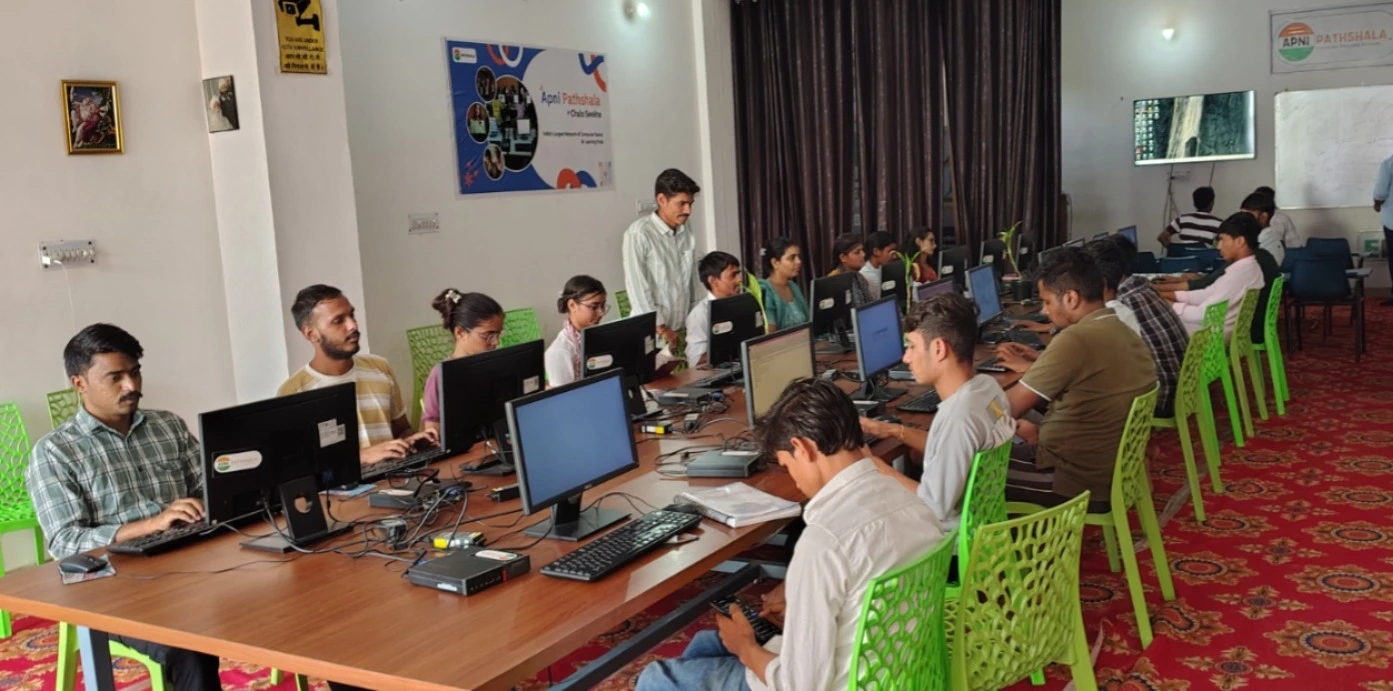
Yes, you can absolutely access your school portal on a student computer. In fact, this is one of the main purposes of such devices. Whether your child needs to check assignments, submit work, or attend online classes, a dedicated student computer makes the experience smooth.
The Apna PC, for example, runs Zorin OS, which is built on Linux. This operating system is secure, fast, and perfect for educational use. It comes with LibreOffice pre-installed, so your child can open and edit documents without buying expensive software. The 8GB RAM ensures your school portal and other applications load without delays.
Your student can also use the school portal computer for:
- Accessing the DIKSHA digital learning platform for interactive lessons
- Joining video classes without connection problems
- Downloading study materials and uploading assignments
- Working on beginner HTML and CSS projects for coding classes
- Storing all schoolwork in one organised place
The 128GB SSD storage means your child won’t run out of space quickly. Project files, downloaded videos, and research materials can all be stored safely.
Why Apna PC Works Well for School Portals
Apni Pathshala, an organisation focused on student education, built the Apna PC. This isn’t a random computer with educational software added later. Every aspect is designed for students.
The device includes Apni Prerna, a student monitoring system that helps parents track their child’s computer usage. You can see what your child is doing, how long they’re studying, and which applications they’re using. This is especially helpful for parents in smaller cities who want to ensure their children stay focused on schoolwork.
Scratch is also pre-loaded on Apna PC. This visual programming language is taught in many schools. Your child won’t need to wait for downloads or installations. They can start learning immediately.
Addressing Common Parent Concerns
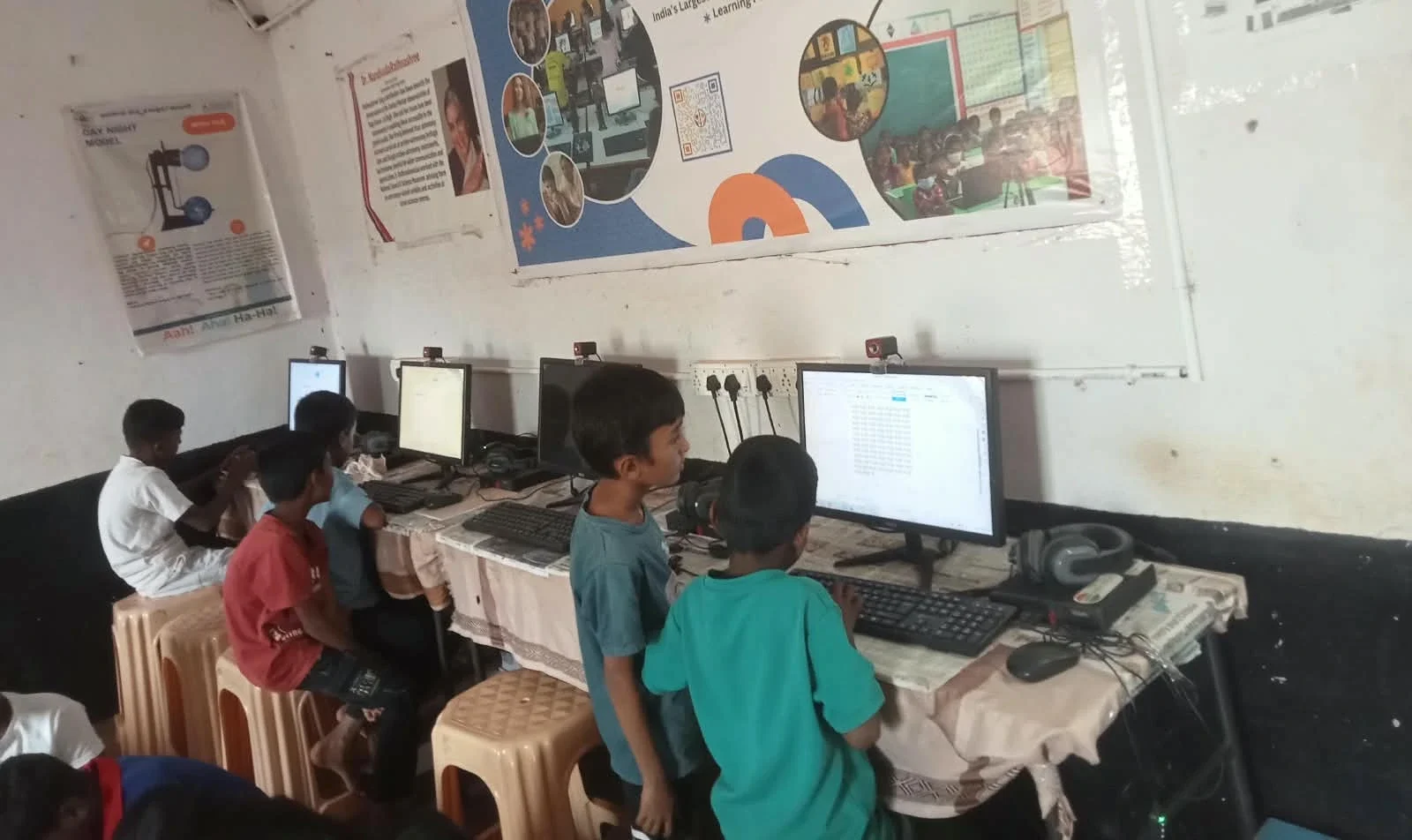
Parents often worry about whether their child’s computer can handle school portal requirements. Will it be fast enough? Will it crash during important submissions? These concerns are valid and real.
A dedicated student computer removes these worries. The hardware is specifically chosen to meet educational demands. The operating system is optimised for performance. Your child won’t lose marks because their computer was too slow to submit work on time.
Another concern is cost. Many parents think a good school portal computer must be expensive. The Apna PC costs just Rs.30,000 (shipping and GST excluded). For a device that’ll serve your child for years of schooling, this investment makes sense.
Security is another area where student computers excel. Zorin OS on Apna PC is secure and protected from most common threats. Your child can browse educational websites and access school portals without you worrying about malware or data theft.
Making the Most of Your Student Computer
Once you have a school portal computer, here are ways to maximise its use. Encourage your child to organise their files by subject and date. This makes it quick and easy to find assignments and study materials. Set up a routine where they check the school portal at the same time each day.
Use the computer for more than just school portals. Your child can learn coding, create presentations, and develop digital literacy skills. According to UNESCO education research, students who have dedicated learning devices show better academic performance.
The Apna PC comes ready for learning. Your child doesn’t need to wait for software installations or troubleshooting. They can focus on what matters: their studies.
A school portal computer is a smart choice for students in Tier 2 and Tier 3 cities where reliable devices aren’t always easy to find. It’s built for your child’s educational journey and designed to make accessing school portals smooth and hassle-free. Visit apnapc.com to learn more.