


Priya’s Dilemma: A Tier 2 City Parent’s Choice
Priya sits in her Indore home, laptop shopping websites open on her phone. Her son Arjun just started Class 8, and his school says he needs a computer for coding assignments and online classes. She’s torn between a Chromebook costing Rs. 25,000 and a desktop setup around Rs. 30,000. Like many parents in tier 2 and tier 3 cities, she’s asking the same question: Chromebook vs desktop, which one actually makes sense for my child?
The truth is, both have real strengths. But when you’re buying a computer for your student, you need to think beyond just the price tag. You need to consider what your child will actually do with it, how long it’ll last, and whether it fits India’s educational needs.
Understanding Chromebooks for Students
Chromebooks are lightweight, affordable, and they boot up in seconds. If your child mainly needs to browse the web, watch YouTube, and access Google Classroom, a Chromebook works fine. They’re also nearly virus-proof because they run Chrome OS, a simplified operating system.
But here’s where Chromebooks hit a wall in India. They depend heavily on an internet connection. In tier 2 and tier 3 cities, power cuts and slow broadband are real problems. When the internet goes down, your child can’t access files or use most applications. That’s a major issue during exam season or when deadlines approach.
Chromebooks also struggle with offline software. If your school uses specialised educational software, coding tools like Scratch, or your child needs to work with complex documents and spreadsheets offline, a Chromebook can be limiting. Many Indian schools still rely on desktop applications rather than cloud-only tools.
Why Desktop Computers Still Matter for Students
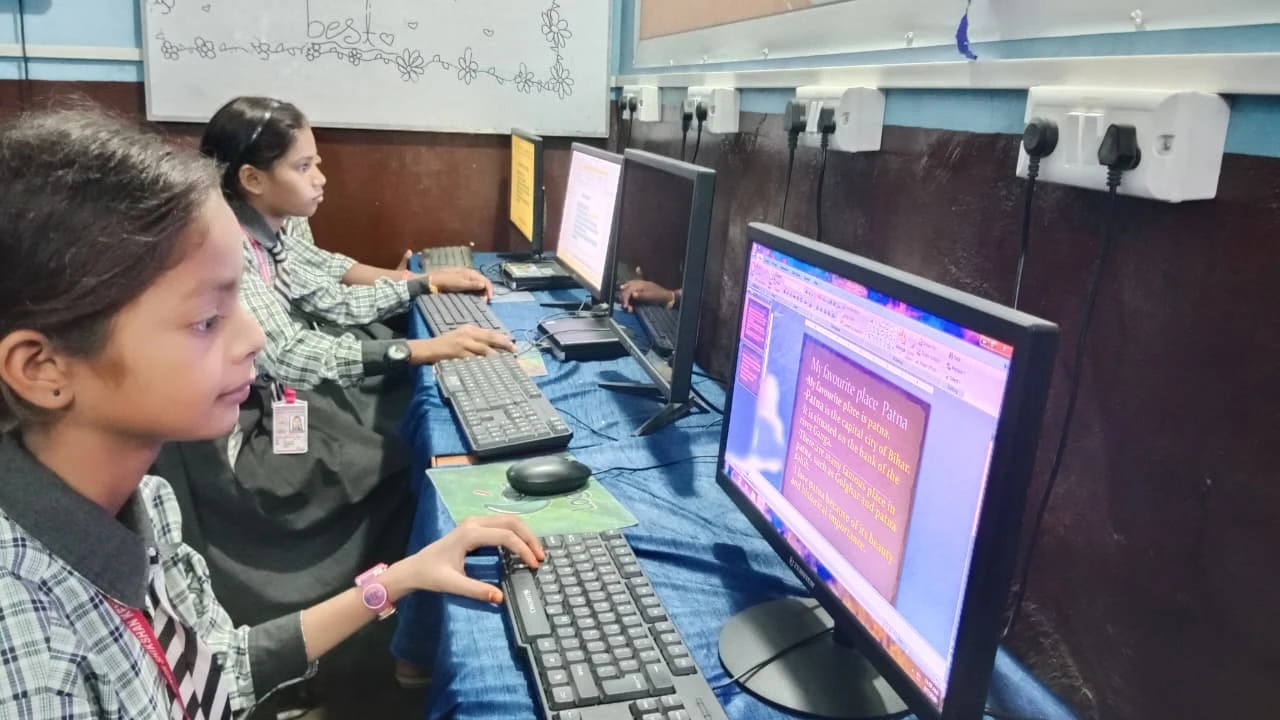
When parents weigh Chromebook vs desktop for students, a proper desktop computer gives you what a Chromebook can’t: offline capability, software flexibility, and longevity. When you’re investing in a computer for your student, you want it to work whether the internet is up or down. Desktops don’t depend on constant connectivity.
Desktops also let you install the software your school actually uses. If your child needs to learn coding through Scratch, use design software, or run specific educational programs, a desktop handles it all. You’re not locked into what Google offers.
Think about durability too. A quality desktop can serve your child from Class 8 through college. Upgrades are possible. A Chromebook becomes outdated faster, and you can’t really improve it.
The Apna PC Solution for Indian Students
This is where the Apna PC desktop comes in. Built specifically for students by Apni Pathshala, it costs Rs. 30,000 (excluding shipping and GST) and is designed for exactly what Indian students need.
It comes with 8GB RAM and 128GB SSD storage, which is plenty for schoolwork, coding, and multimedia projects. The processor handles everything from online classes to video editing without lag. Most importantly, it runs Zorin OS, a user-friendly Linux operating system that’s free, secure, and works beautifully offline.
The pre-loaded software shows you what it’s for. It includes LibreOffice for documents and spreadsheets, Scratch for learning coding, and Apni Prerna for student monitoring so parents can track study time. All of this works whether your internet is on or off.
When students use PDFs for schoolwork or need to download educational content, this desktop handles it smoothly. Your child isn’t dependent on cloud storage or streaming.
Chromebook vs Desktop: The Real Comparison
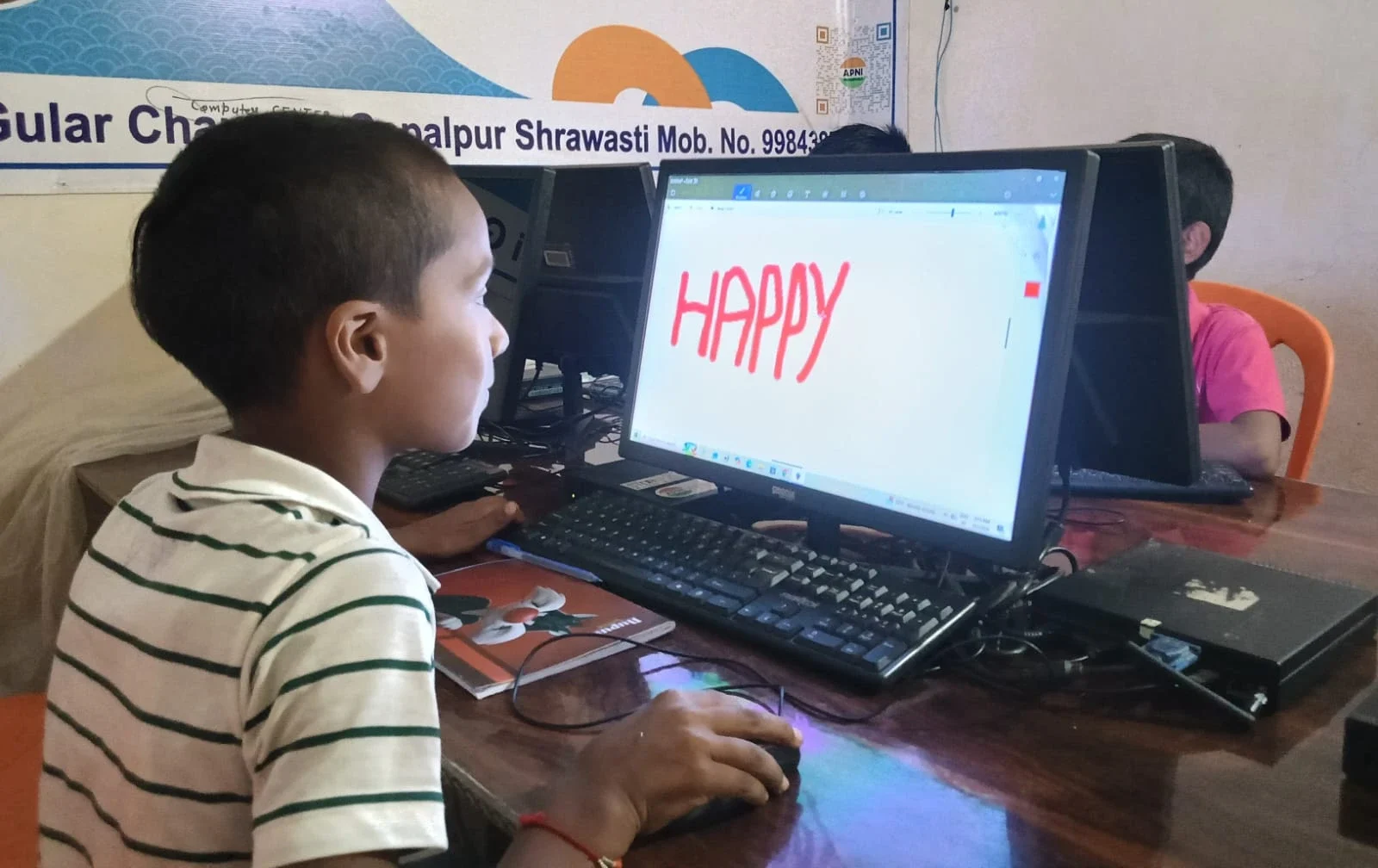
Let’s be honest about the trade-offs. A Chromebook is lighter and more portable. If your child needs to carry it between classes or home and the coaching centre, that matters. But most students study at home or school, where portability isn’t the real issue.
A Chromebook is cheaper upfront, but only slightly. When you factor in replacing it in 4-5 years while a desktop lasts longer, the cost difference shrinks. Plus, you’re not paying for software licenses with either option.
So when you compare Chromebooks vs desktops for students, the real question is capability and reliability. Can your child do their actual schoolwork offline? Can they install the tools their teachers recommend? Will it still work during power cuts? For Indian students in tier 2 and tier 3 cities, these questions usually point toward desktop computers.
What Educational Experts Say
The Ministry of Education emphasises digital literacy and coding skills. UNESCO education research shows that offline learning tools matter, especially in regions with unreliable internet. India’s Digital India initiative focuses on making technology accessible and reliable for all citizens.
A desktop computer aligns better with these goals. It’s a real investment in your child’s digital skills, not just cloud access.
Making Your Decision
Ask yourself these questions. Does your city have reliable, fast internet 24/7? Does your child’s school use cloud-based tools exclusively, or do they need desktop software? How long do you want this computer to last? Will your child learn coding or use specialised software?
This Chromebook vs desktop decision comes down to your answers. If you answered “no” to reliable internet or “yes” to offline software needs, a desktop makes more sense. If your child needs web browsing and Google apps, a Chromebook could work. But for most students in India, especially in tier 2 and tier 3 cities, a desktop computer is the smarter choice.
The Apna PC desktop at Rs.30,000 offers real value. It’s built for students, pre-loaded with everything they need, and it works reliably whether the internet is up or down. It’s an investment in your child’s education that will pay dividends through their school years and beyond. Visit apnapc.com to learn more.