


Rahul’s Internet Problem Became His Learning Opportunity
Rahul sits in his small room in Indore, staring at his laptop screen. His family’s internet connection dropped three days ago, and the technician won’t arrive until next week. He’s a class 10 student with math assignments due and coding projects pending. His heart sinks at the thought of falling behind. But then his father shows him something different: a computer without internet loaded with offline learning tools. Within minutes, Rahul realises he doesn’t need WiFi to keep learning.
You might think a computer without internet limits your learning possibilities. The truth is completely different. Thousands of students across tier 2 and tier 3 Indian cities face irregular internet connectivity, but they’re discovering that offline computer use opens up powerful ways to study, practice, and grow. This isn’t about making do with less. It’s about learning smarter.
What You Can Actually Do on a Computer Without Internet
Your computer becomes a full learning lab when you have the right tools pre-loaded. You don’t need internet streaming to build real skills. Offline computer use lets you work at your own pace, without distractions, without buffering videos, without data limits.
Here’s what becomes possible:
- Write and edit documents for your school projects, essays, and assignments using LibreOffice. Create formatted documents that look professional and save them locally.
- Learn coding and programming with Scratch, building games and animations without needing any online platform or internet connection.
- Practice typing and keyboard skills through built-in offline typing tutors.
- Study digital literacy basics like file management, using spreadsheets, and understanding computer fundamentals.
- Access pre-loaded educational content curated specifically for Indian school curricula aligned with CBSE guidelines.
- Work on math problems using calculator tools and spreadsheet functions to practice formulas and calculations.
How a Computer Without Internet Covers Real Student Needs
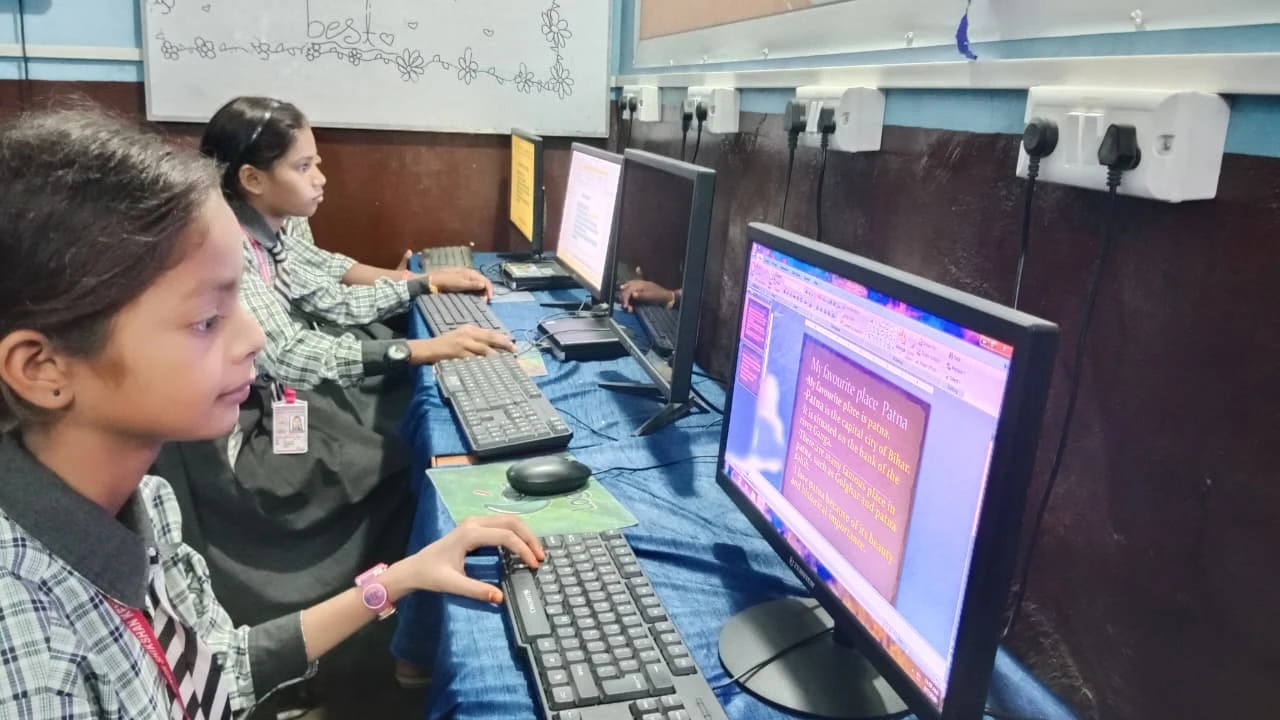
Think about your typical week as a student. You have multiple subjects, assignments in different formats, and skills you need to build. Internet interruptions shouldn’t interrupt your progress. A computer without internet at home means those interruptions never touch your study schedule again. With offline computer practice, you fully control your learning schedule.
When you’re learning to code with Scratch offline, you’re not waiting for videos to load or dealing with lag. You’re building logic, creating projects, and seeing results instantly. When you’re writing your history essay in LibreOffice, you focus on your ideas, not whether your internet will stay connected long enough to save your work.
This approach aligns perfectly with what UNESCO global education research shows about self-paced learning. Students who work offline often develop better focus and deeper understanding because they’re not multitasking between their studies and online distractions.
How Apna PC Supports Your Offline Learning
Apna PC is built specifically for students like you. This educational computer comes pre-loaded with everything you need: Zorin OS as a smooth, student-friendly operating system, LibreOffice for document creation, Scratch for coding, and Apni Prerna for tracking your learning progress. The 8GB RAM and 128GB SSD mean your computer runs smoothly even when you’re working on multiple projects at once.
The machine costs just Rs.30,000 (plus shipping and GST), making it accessible for families across tier 2 and tier 3 cities. You’re not paying for gaming features or unnecessary software. You’re getting a computer designed for learning, with tools that Apni Pathshala has tested and refined specifically for Indian students.
Your parents won’t worry about internet bills piling up or data limits being exceeded. You won’t worry about connection drops during important work. Your school teachers will see consistent work quality and progress because you’re learning without interruptions.
Computer Without Internet and Your School Curriculum
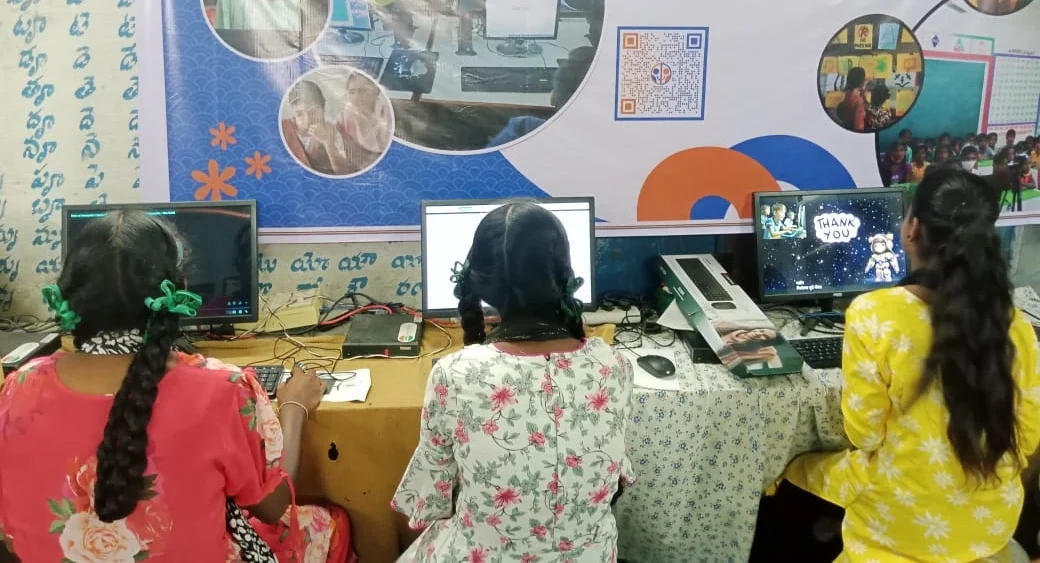
Your school follows specific guidelines for what you should learn. CBSE curriculum guidelines emphasize digital literacy, coding basics, and document creation skills. Apna PC helps you meet these requirements offline. When your school assigns computer projects, you’re ready. When your teacher asks you to create presentations or write assignments, you have the tools.
The Indian Ministry of Education has pushed for computer literacy across all tier 2 and tier 3 cities. Having a dedicated offline computer at home puts you ahead of this curve. You’re not dependent on school computer labs or internet cafes.
Building Skills That Matter
Learning offline teaches you something important: self-reliance. You learn to troubleshoot problems without immediately searching online. You develop deeper focus because you’re not tempted by notifications and social media. You discover that real learning happens when you sit down with tools and problems and work through them.
Employers look for these skills. These are the habits that make you successful in college and beyond.
Your Next Step
A dedicated offline computer, loaded with the right tools, keeps you learning, practising, and growing every single day.
Apna PC gives you those tools at home. Visit apnapc.com to learn more.