


Rajesh’s Daughter Finally Gets Her Chance
Rajesh sits in his small stationery shop in Indore, watching his daughter Priya struggle with her Class 8 computer assignments. The internet at home cuts out every evening around 6 PM. The local cyber cafe charges Rs.50 per hour, money he can’t always spare. Priya’s school expects her to submit digital projects, but without reliable connectivity, she’s falling behind. She’s losing confidence, thinking she’s just “not good at computers.” What Rajesh didn’t know was that computer practice doesn’t need the internet to build real digital skills and student confidence.
If your family faces the same situation, you’re not alone. Millions of students across Tier 2 and Tier 3 cities in India struggle with patchy internet connections. Yet learning computer skills this way remains essential for their future. The good news: offline learning is not just possible; it’s often more focused and effective.
Why Internet Isn’t Always Your Only Option
You might think computers need the internet to be useful. That’s a common misconception. Most of this practice happens on your device itself, not online. Writing documents, creating presentations, learning to code, editing images, understanding file systems, and practising spreadsheets all work perfectly without WiFi.
According to recent data on internet access in India, over 40% of Indian households still don’t have reliable broadband. Yet the Digital India initiative pushes schools to teach digital literacy. This creates a gap. Your child needs computer practice to succeed in school and career, but your internet connection keeps dropping. The solution isn’t waiting for better infrastructure. It’s investing in the right offline learning tool.
Building Student Confidence Through Offline Computer Practice
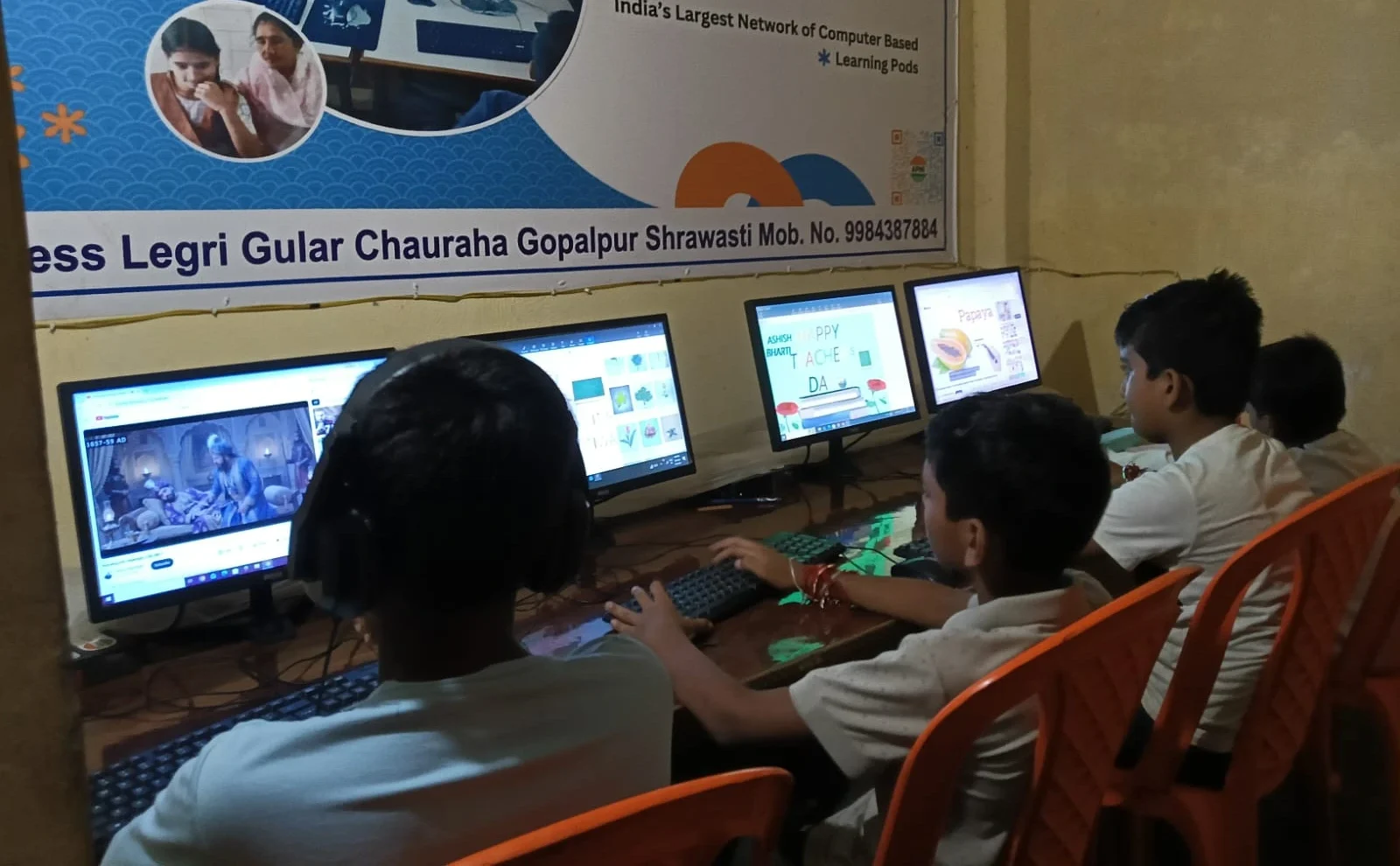
Student confidence grows when your child can practice without pressure. With an internet connection, every session feels like a race against the clock. You’re worried about data limits, connection drops, or unexpected buffering during important work. This stress kills learning.
Working offline removes these worries. Your child can spend two hours learning Scratch programming without a single interruption. They can create a full presentation for their school project without fear of losing work to a connection failure. They can practice typing, file management, and basic coding at their own pace. This freedom builds real student confidence.
When Priya has a computer that works offline, she stops thinking, “I can’t do this,” and starts thinking, “Let me try.” That shift in mindset is powerful.
What Offline Computer Practice Actually Includes
You might wonder what your child can actually learn without the internet. The answer is more than you’d think. Here’s what offline practice covers:
- Office Skills: Writing documents, creating spreadsheets, making presentations using LibreOffice
- Programming Basics: Learning Scratch to understand coding logic and problem-solving
- File Management: Organising folders, understanding storage, backing up work
- Digital Literacy: Understanding how operating systems work, keyboard shortcuts, basic troubleshooting
- Creative Work: Photo editing, audio basics, and digital art using built-in tools
These aren’t “lesser” skills. These are exactly the digital skills employers and colleges look for. Your child isn’t missing out by learning offline. They’re building a stronger foundation.
How Apna PC Solves the Offline Learning Problem
Apna PC is designed exactly for families like Rajesh’s. Apni Pathshala, an initiative focused on bridging the digital divide in India, built it as an educational computer. At Rs.30,000 (plus shipping and GST), it’s affordable for middle-class families in Tier 2 and Tier 3 cities.
Here’s what makes it different from a regular computer. It comes pre-loaded with everything your child needs for computer practice. Zorin OS is a beginner-friendly operating system. LibreOffice gives them Microsoft Office-like tools. Scratch teaches coding without needing tutorials online. Apni Prerna helps parents monitor progress. Everything works fully offline.
Your child doesn’t need to wait for internet. They don’t need to watch buffering videos. They can start practising immediately, building both digital skills and student confidence from day one.
Consistent Practice Beats Waiting for Perfect Conditions
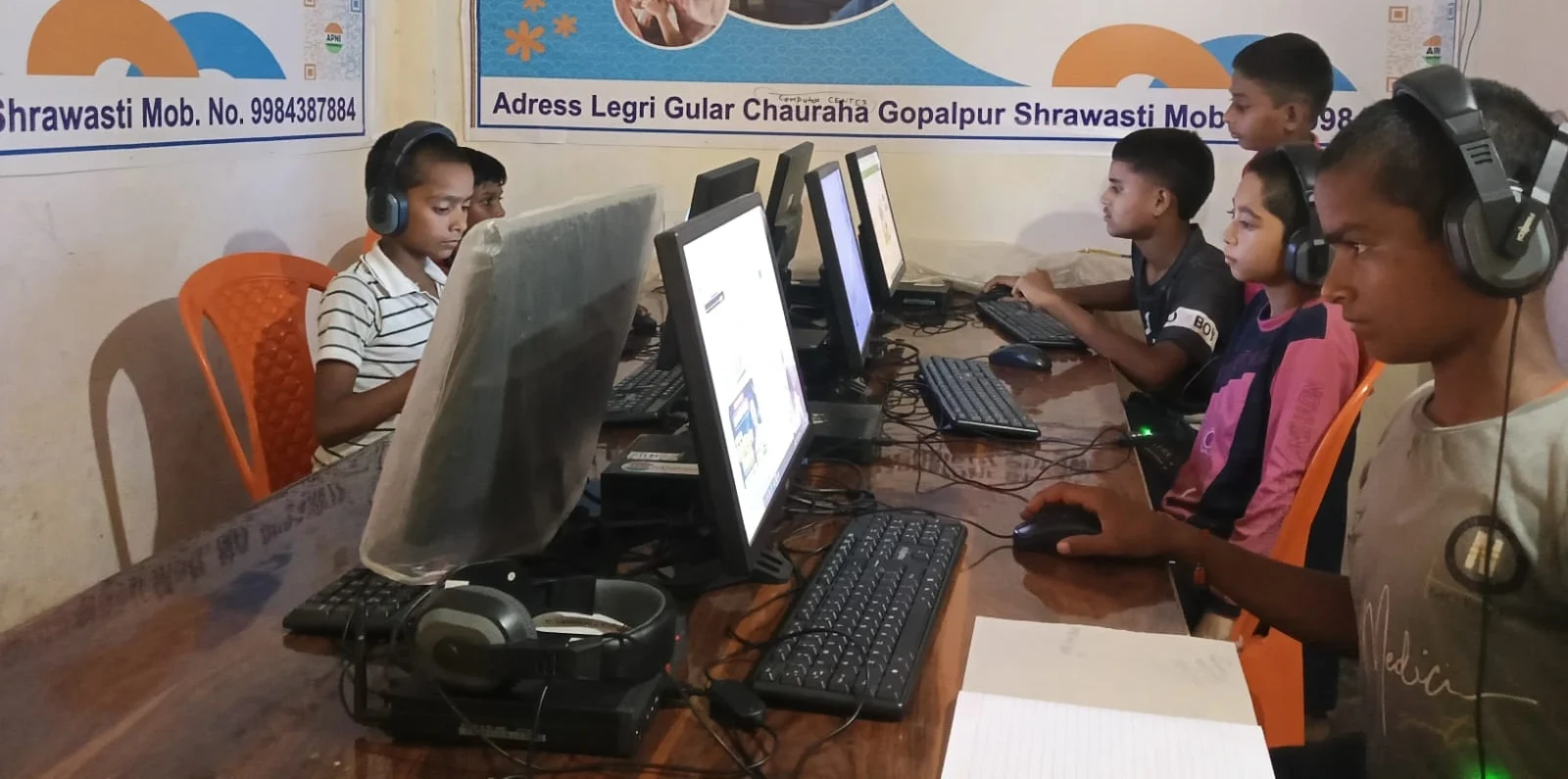
Here’s the truth: students who practice consistently, even offline, learn faster than students who wait for perfect internet conditions. Your child needs 100 hours of computer practice to become genuinely skilled. Those 100 hours matter far more than whether they happen online or offline.
When your child has reliable offline practice available at home, they practice more. They don’t skip sessions because the internet is down. They don’t avoid assignments because the cyber cafe is closed. They build habits. And habits build skills.
The DIKSHA platform shows that students benefit most from mixed learning, where some content is online and some is offline practice. Apna PC fits this model perfectly.
What Parents Tell Us
Families who’ve switched to offline learning report something surprising. Their children actually focus better. Without YouTube and social media distractions, students concentrate on real learning. Parents report better grades, more enthusiasm for school projects, and kids who voluntarily spend time on practice instead of avoiding it.
Student confidence grows visibly. Kids stop seeing computers as intimidating machines and start seeing them as tools they control. That shift changes their entire relationship with technology and learning.
Your Next Step
You don’t need perfect internet to give your child the computer skills they need. You need reliable offline tools that make daily practice simple. Apna PC makes this affordable and simple for Indian families. Your child can build digital skills and student confidence starting today, without waiting for your internet connection to cooperate. Visit apnapc.com to learn more.