


When Ravi Discovered What Computer Practice Could Really Do
Ravi’s mother sat in our small living room in Indore, her hands trembling slightly as she held his school report card. Her son had scored 42 in Information Technology. “He’s intelligent,” she told us, “but he’s terrified of computers. He freezes during practicals.” This fear wasn’t unusual. Across Tier 2 and Tier 3 cities, thousands of students struggle with the same anxiety. Yet what changed everything for Ravi was simple: consistent computer practice with the right tools and environment.
When you give your child regular access to a computer for learning, something magical happens. The fear melts away. Confidence builds slowly, one keystroke at a time. Here is how it works and why it matters for your child’s future.
Why Practice Builds Real Confidence
Regular practice isn’t just about learning software or coding. It’s about repetition, safety, and gradual mastery. When your child practices typing for 15 minutes daily, they’re not just improving speed. They’re building muscle memory. They’re proving to themselves that they can do this.
Think about learning to ride a bicycle. You don’t jump on and ride perfectly. You practice. You fall. You get back up. It works the same way with computers. Your student needs a safe space where mistakes don’t result in red marks on a report card. They need to explore, click around, and learn without judgment.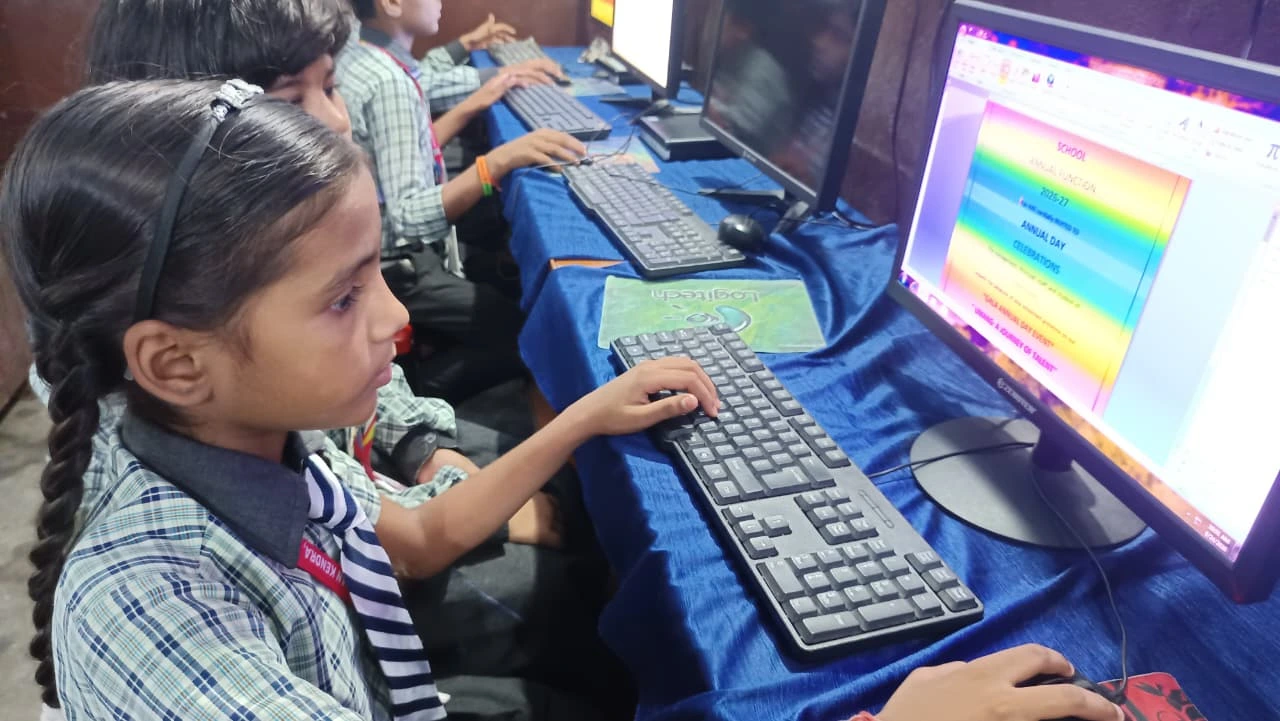 Studies on computer literacy show that hands-on practice builds Both skill and confidence. When your child completes their first document in LibreOffice or creates their first program in Scratch, they’ve achieved something real. That achievement sticks with them.
The Three Pillars of Effective Computer Practice
Consistency Over Intensity: Your child doesn’t need four hours on Saturday. They need 30 minutes every day. Daily computer practice creates habits. Habits create confidence. A student who practices 30 minutes daily for three months will progress faster than someone who practices 10 hours once a month.
Safe Learning Environment: Your child needs a computer where they can experiment without fear. They should be able to open programs, try things, make mistakes, and restart. The Apna PC comes pre-loaded with Scratch and LibreOffice, tools designed for learning. Your student can practice without worrying about breaking something expensive or getting scolded.
Clear Progress Tracking: Confidence grows when your child sees improvement. The Apni Prerna monitoring system on Apna PC lets you track what your child is learning. You can see their progress. Your child can see their progress. This visibility matters enormously for motivation.
Real Skills Your Child Builds Through Daily Practice
Regular practice develops skills that schools test and employers value. Your child builds typing speed, which affects every online exam they take. They learn to navigate operating systems, use productivity tools, and understand basic programming logic.
For CBSE students especially, computer science practicals require hands-on skills. CBSE exams include practical components where your child must demonstrate competency on a live computer. You can’t cram for this. Your child needs months of steady practice to perform well.
Beyond exams, these skills matter for your child’s future. Whether they pursue engineering, commerce, medicine, or arts, digital skills are non-negotiable. Your child’s confidence with computers today determines their options tomorrow.
How Apna PC Supports Your Child’s Computer Practice
You might think your child needs an expensive laptop for practice. They don’t. The Apna PC costs Rs.30,000 (shipping and GST excluded) and includes everything your child needs. It comes with 8GB RAM and a 128GB SSD, which handles educational software smoothly.
More importantly, Apna PC runs Zorin OS, a user-friendly operating system perfect for learning. It comes pre-loaded with LibreOffice for document creation, Scratch for programming basics, and Apni Prerna for monitoring. Your child gets a dedicated learning device, not a hand-me-down family computer they share with adults.
This dedicated space matters. When your child sits down at their own device to practice, they signal to their brain that it is learning time. The environment supports focus and consistency. Apni Pathshala has designed this computer specifically for students in Indian schools.
From Fear to Confidence: A Practical Path
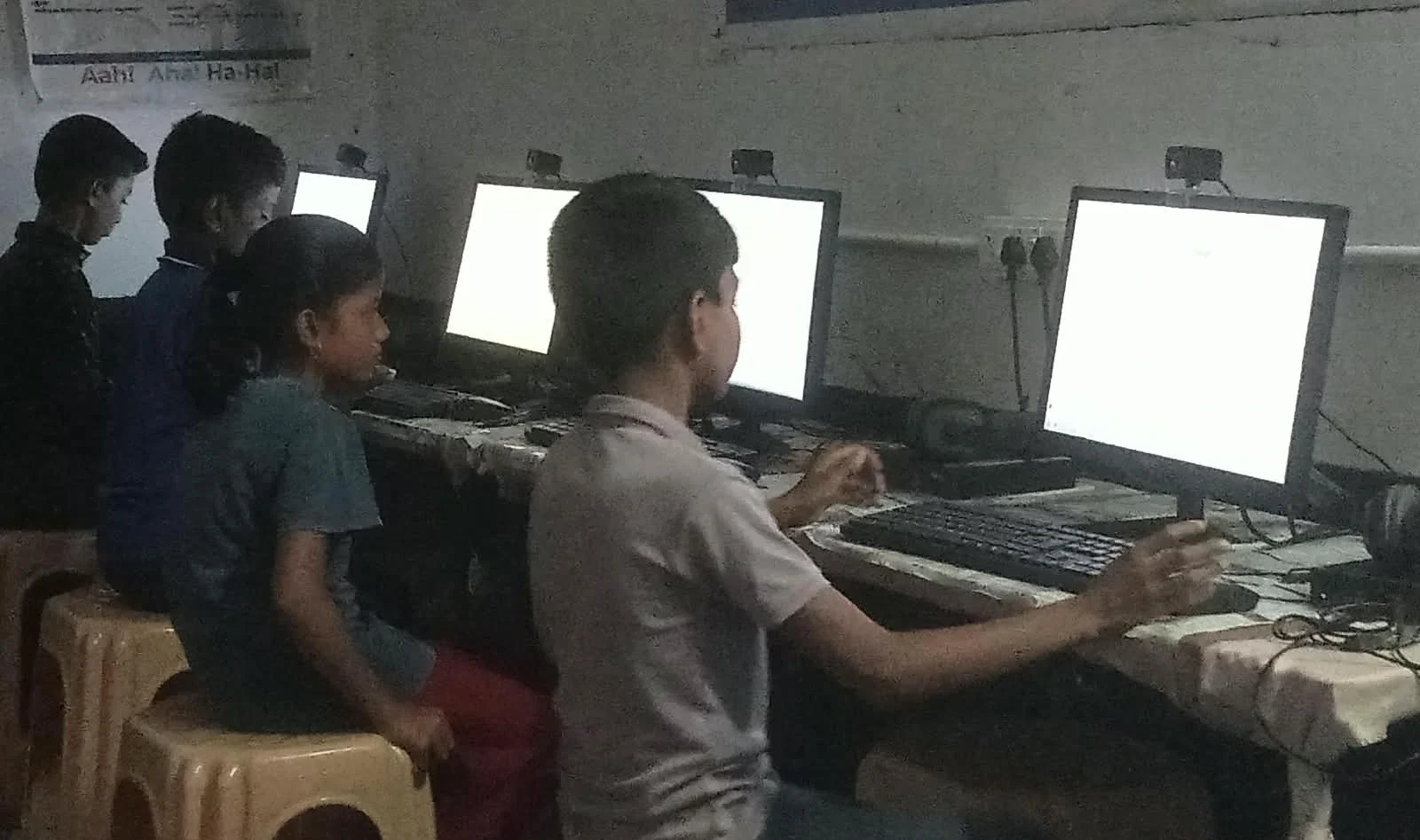
Start your child’s practice journey with small, achievable goals. Week one: practice typing for 15 minutes daily. Week two: create a simple document in LibreOffice. Week three: explore Scratch and create a basic program. These aren’t big jumps. They’re manageable steps that build momentum.
Set a routine. Maybe your child practices right after school, or after dinner. Make it consistent. Track progress together. Celebrate small wins. When your child completes their first week of daily practice, acknowledge it. When they write their first program, even a simple one, make it matter.
Use resources from UNESCO education research and online tutorials. Free learning materials are everywhere. Your job is to create the environment and maintain the habit.
Why Your Child’s Confidence Matters Right Now
Your child’s school years are fleeting. Right now, while they’re in school, is the perfect time to build computer confidence. This confidence becomes a foundation for higher education and career choices. A student who’s confident with technology opens more doors.
More immediately, regular computer practice improves exam results. Students who practice regularly score higher in computer science and IT subjects. This directly impacts their overall grades and their college prospects.
You don’t need to be tech-savvy to support your child’s practice habit. You just need to provide access to a good computer and encourage consistency. Let your child explore. Let them make mistakes. Let them build confidence at their own pace.
Your child’s future depends on skills they haven’t even learned yet. Computer literacy is no longer optional. It’s essential. By investing in a device like Apna PC and supporting daily practice habits, you’re investing in your child’s future. Visit apnapc.com to learn more.