

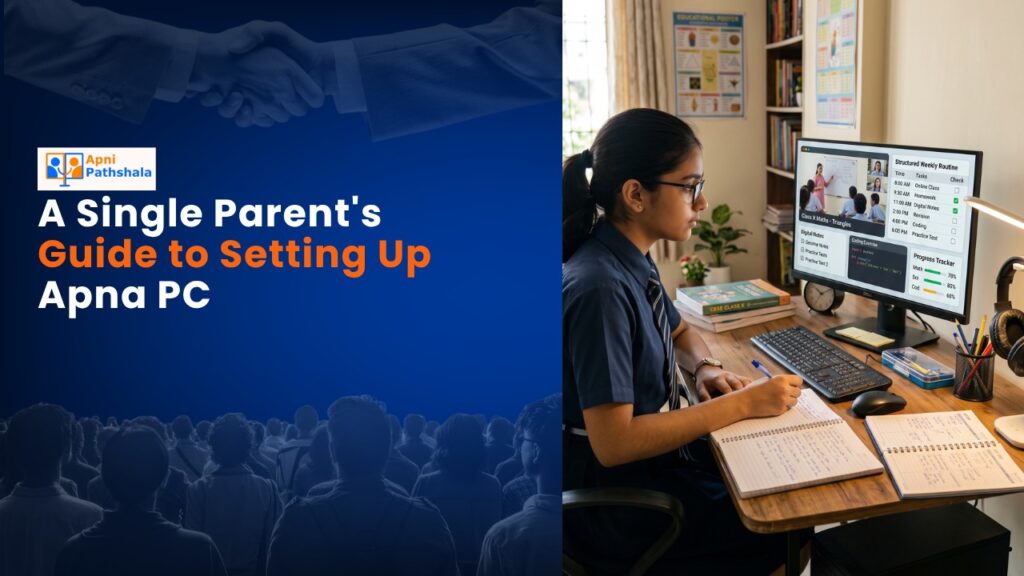
Meera’s Story: Why One Single Parent Chose Apna PC
Meera works double shifts at a hospital in Indore. Her son Arjun is in class 4, and she’s terrified he’s falling behind. The school’s online classes happen at 2 PM, right when she’s sleeping after night duty. She can’t afford a tutor, and she doesn’t trust leaving him unsupervised on the internet with a regular laptop. Last month, a friend told her about Apna PC, an educational computer built specifically for Indian students like Arjun. For Rs.30,000, Meera found something she didn’t know she was searching for: peace of mind.
If you’re a single parent juggling work, bills, and your child’s education, you know that feeling. You want your child to learn, but you’re stretched thin on time and money. You worry about screen safety. You need structure. This educational computer isn’t just a gadget; it’s a solution designed for families like yours.
Why This Study Computer Setup Works for Single Parents
Let’s be honest: regular computers are overwhelming for kids and stressful for parents. They come loaded with distractions, ads, and risks. You can’t monitor everything, and you’re already exhausted. Apna PC strips away that anxiety.
The device comes pre-loaded with Apni Prerna, a student monitoring system that lets you see what your child is doing without hovering over their shoulder. You can set study schedules, track progress, and get reports. When you’re working late, you know they’re learning safely, not wandering into random websites or games.
The operating system is Zorin OS, which is clean, fast, and designed for learning. There’s no bloatware, no surprise updates disrupting study time, no hidden costs. With 8GB RAM and 128GB SSD, everything runs smoothly even when your child is juggling multiple learning apps.
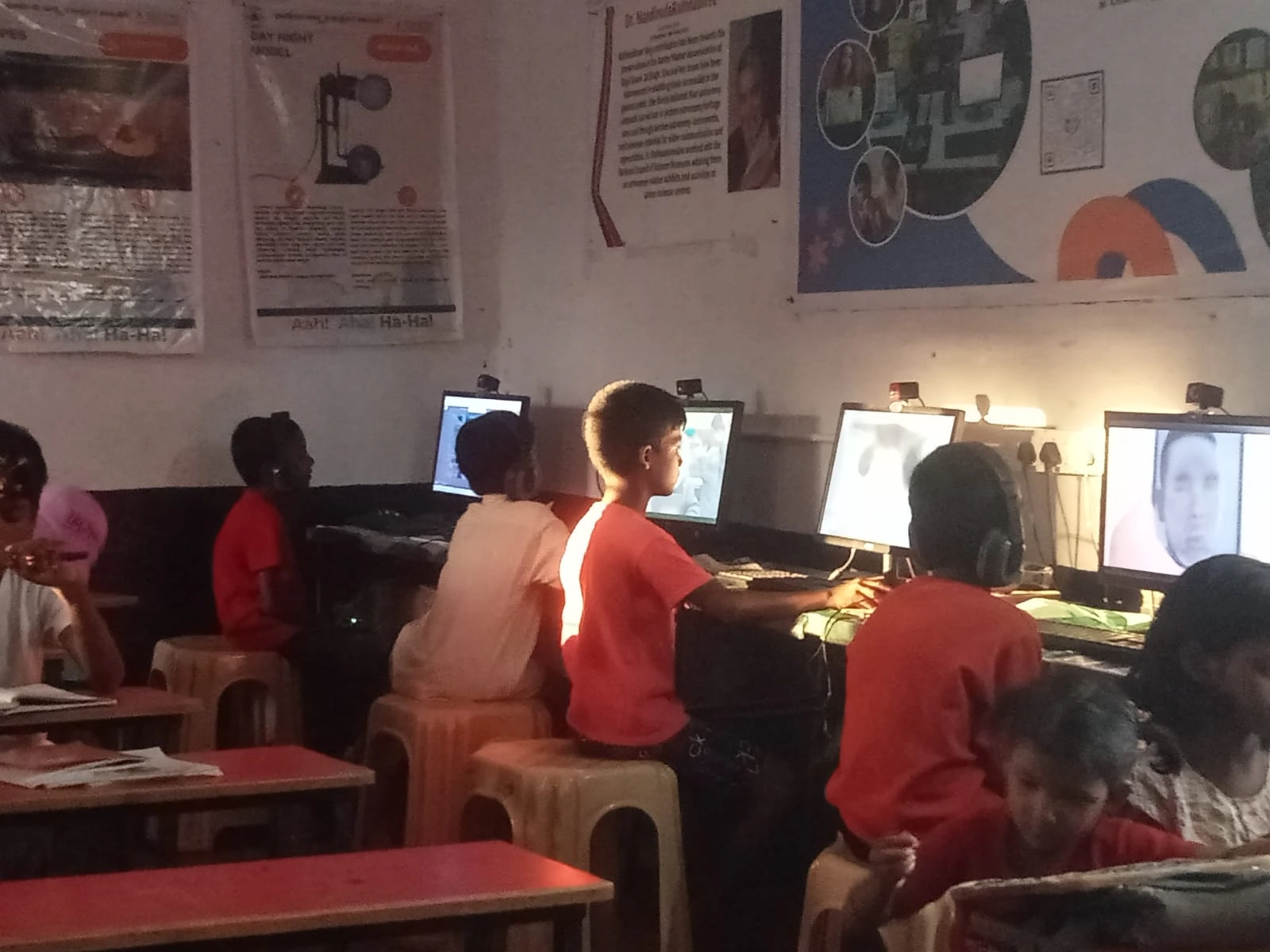
What’s Already Inside the Home Learning Computer
- LibreOffice: For writing assignments, spreadsheets, and presentations. Your child learns real office skills while completing schoolwork.
- Scratch: A visual programming language that makes coding fun and understandable. Kids build games and animations instead of staring at complex code.
- Apni Prerna: Your monitoring dashboard. Check study hours, which apps they’re using, and performance metrics.
- Zorin OS: A beginner-friendly Linux system that’s secure, fast, and free from viruses that plague Windows machines.
But here’s what really matters: the system integrates with resources such as the DIKSHA digital learning platform, which offers thousands of free educational videos and courses. Your child isn’t limited to a single app or curriculum. They’ve got access to quality learning materials backed by the India Ministry of Education.
Setting Up Apna PC: A Simple 5-Step Process
You don’t need to be tech-savvy to set this up. Here’s what happens:
- Unbox and plug in. The device arrives ready to go. Plug it into power and a monitor (or TV), and you’re halfway there.
- Create your parent account. This takes 5 minutes. You’ll set up your login for Apni Prerna monitoring.
- Create your child’s account. Give them their own login. This keeps their work organised and separate from your settings.
- Set study limits. Decide when the computer can be used. You can lock it outside study hours if you want absolute control.
- Start learning. Your child is ready. They’ll see apps and resources curated for their age and grade level.
The whole process takes under 30 minutes. You don’t need to call tech support or watch a 2-hour YouTube tutorial.
Addressing Your Real Concerns as a Single Parent
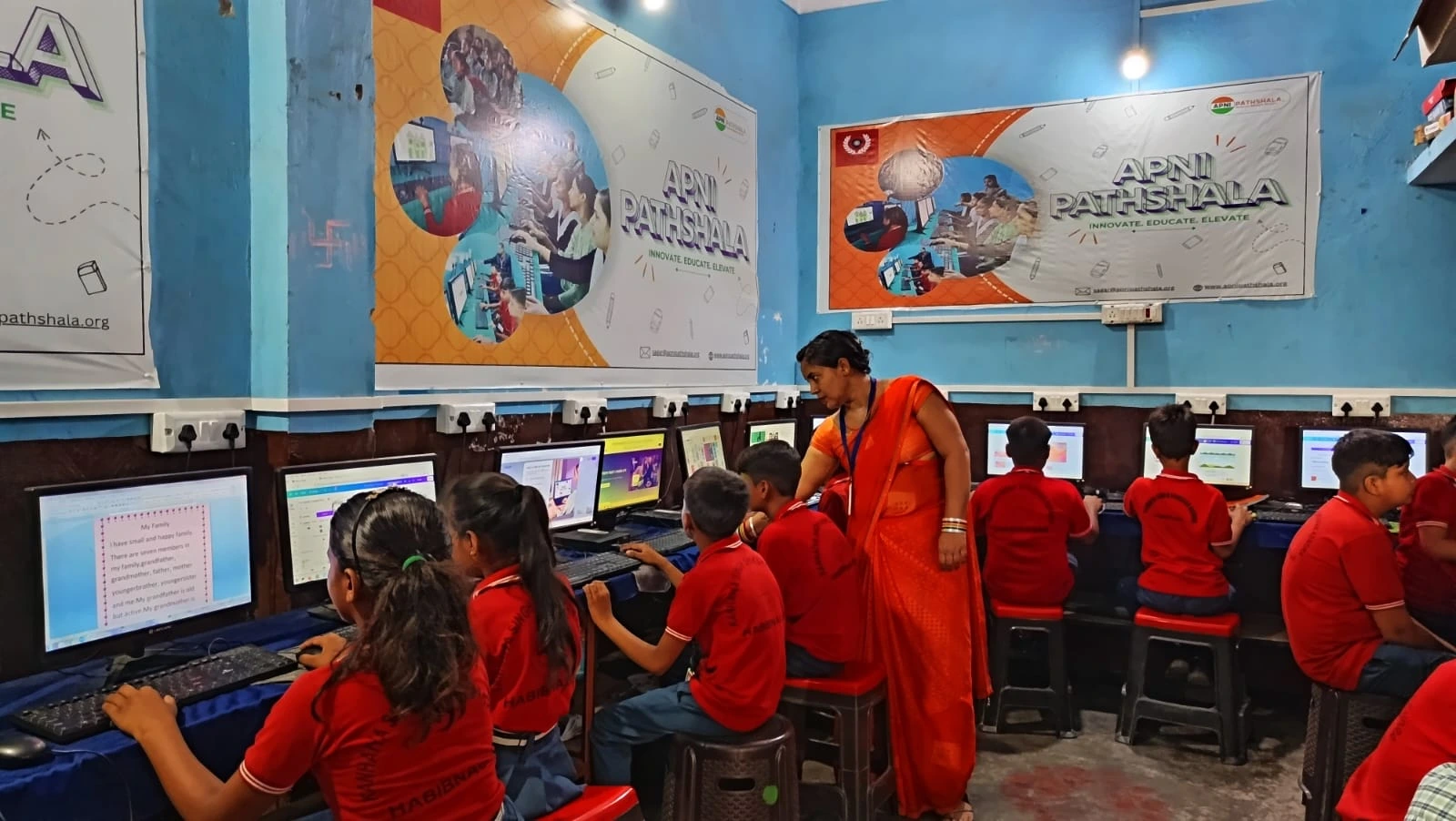
“Will my child actually use it for studying?” Yes, because the device is designed to make learning engaging, not punishing. Scratch programming feels like play. Writing in LibreOffice feels like creating something real. There’s no YouTube rabbit hole to fall into.
“Is it safe?” Absolutely. Zorin OS has built-in security that blocks malware. Apni Prerna gives you visibility. You’re not handing your child an open internet connection; you’re giving them a controlled learning environment.
“Will it actually help his grades?” That depends on how your child uses it, but the structure helps. When kids have a dedicated device for learning, not distraction, their focus improves. Teachers often notice the difference within weeks.
“What if I can’t afford Rs.30,000?” Check out our affordable computer guide for parents in Tier-2 and Tier-3 cities. There are payment options, schemes, and ways to make this work for your budget.
Is Your Child Ready for This Step?
Not every child is ready at the same age, and that’s okay. Some 7-year-olds thrive with structured computer learning. Others need another year. Before you invest, check our checklist to know if your child is ready for Apna PC. It takes 3 minutes and gives you real clarity.
One Parent’s Peace of Mind
Meera set up the computer on a Sunday afternoon. Arjun was sceptical at first; he wanted a gaming laptop. Within two weeks, he was building projects in Scratch and finishing his schoolwork faster. Meera could see his progress through Apni Prerna. She stopped worrying about whether he was learning. She knew he was.
Your situation might be different from Meera’s, but your stress is real. You’re doing the work of two parents with the time and money of one. This computer isn’t a magic fix, but it removes one major source of worry. Your child gets a safe, structured, powerful learning tool. You get visibility and control. Your family gets a chance to breathe.
Investing in Apna PC is investing in your child’s future and your own sanity. Visit apnapc.com to learn more.