

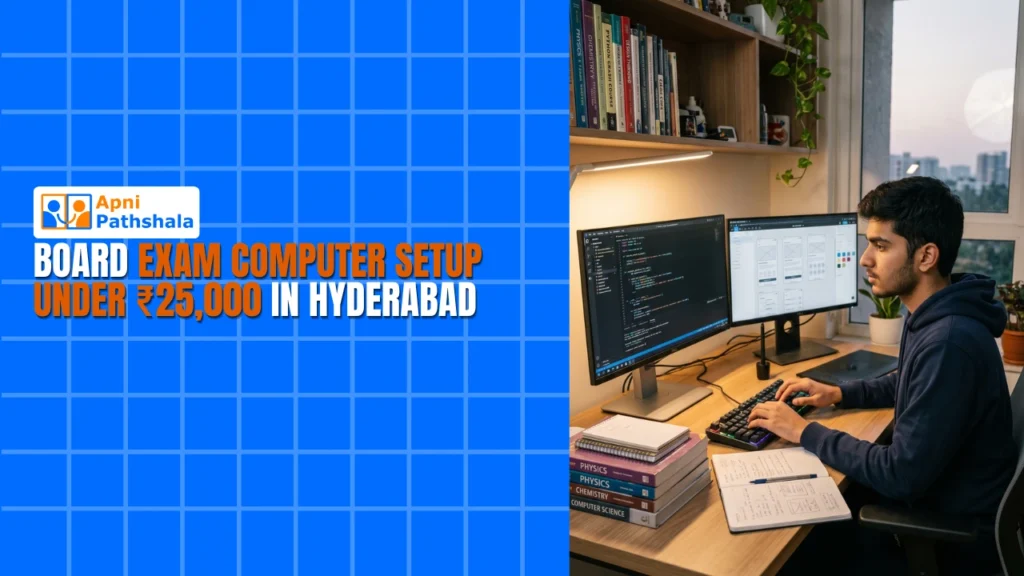
Board exams put a different kind of pressure on students. It is not just about textbooks and tuition. Access to a reliable computer changes how a Class 10 or 12 student in Hyderabad prepares, revises, and stays ahead. Parents searching for the best computer for board exam prep often get lost in flashy specs and confusing pricing. This guide cuts through that noise.
Why the Best Computer for Board Exam Preparation Matters
A student preparing for board exams uses a computer differently than a gamer or a working professional. They need smooth access to NCERT PDFs, online mock tests, YouTube revision lectures, and typing practice. None of these tasks demands a high-end processor or a dedicated graphics card.
This is where most parents go wrong. They either overspend on a gaming rig their child does not need or buy the cheapest laptop available, which slows down within three months. The best computer for board preparation sits in the middle: affordable, dependable, and purpose-built for studying.
What to Look For in a Desktop for Students
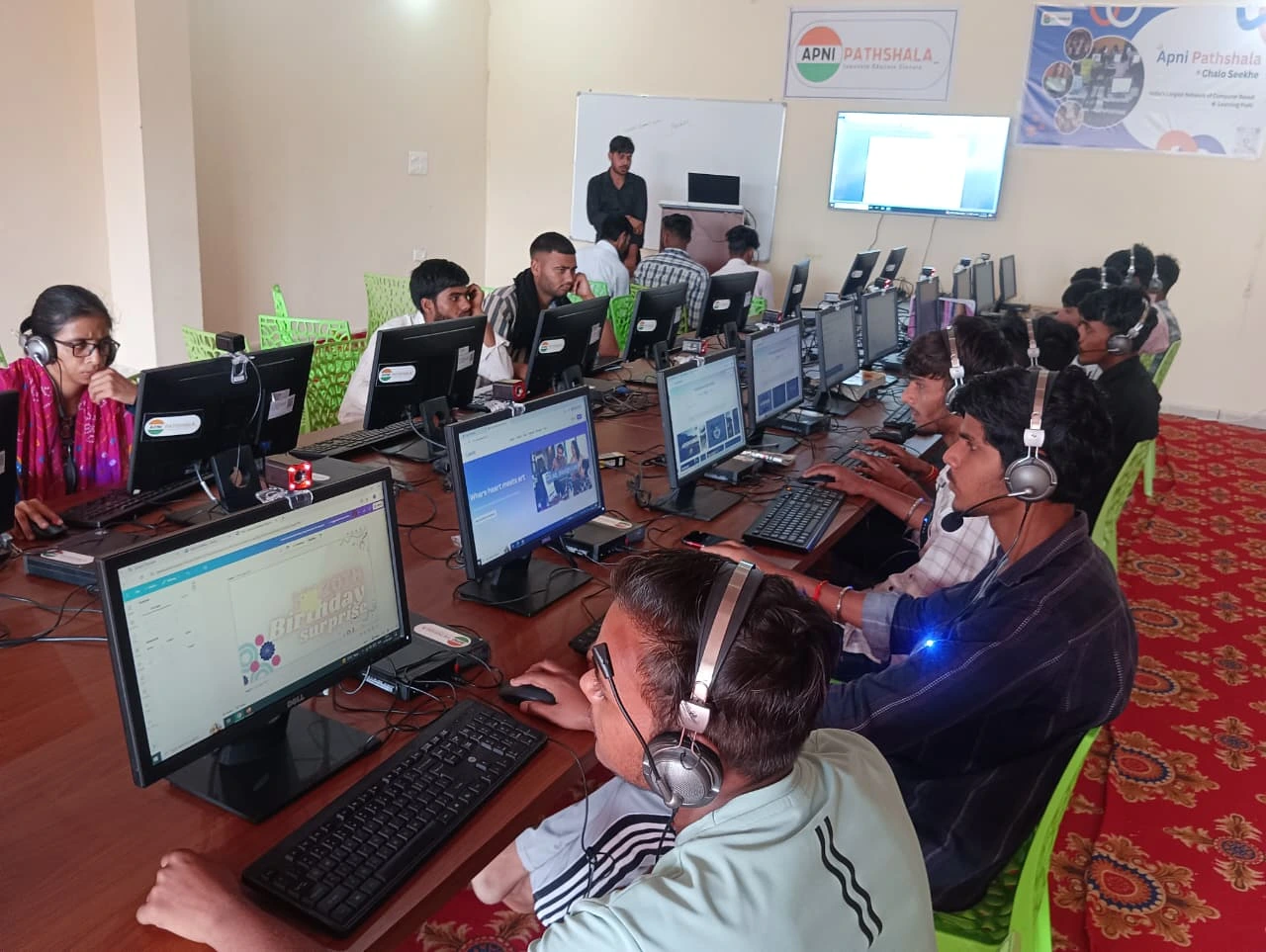
A desktop makes more sense than a laptop for most families in Hyderabad. Here is why. A desktop stays in one place, usually the study room. That means fewer distractions compared to a laptop that moves to the bed, the couch, or the dining table. Parents can more easily monitor screen time. And when something breaks, a desktop is cheaper to repair or upgrade than a laptop.
For a desktop for students preparing for board exams, focus on these basics:
- Processor: An Intel Core i3 or equivalent handles exam prep workloads without trouble. You do not need an i5 or i7 to open PDFs and watch lectures.
- RAM: 8 GB is the sweet spot. It keeps the system responsive when a student switches between a browser, a document editor, and a video player.
- Storage: A 256 GB SSD makes the biggest difference in day-to-day speed. The computer starts in seconds, applications open instantly, and the student wastes no time waiting.
- Display: A 19.5-inch or 20-inch monitor is large enough for reading text comfortably without straining the eyes during long study sessions.
- Connectivity: Built-in Wi-Fi and enough USB ports for a keyboard, mouse, and the occasional pen drive.
A setup like this handles everything a board exam student throws at it. If you want a deeper look at what a student desktop under ₹25,000 in Pune includes, the specs are similar to what Hyderabad families need. It also works well after the exams are over, for online classes, skill courses, or college assignments.
Finding the Best Computer for Board Students Under ₹25,000
The price question is where most conversations stall. Parents assume a decent computer costs ₹40,000 or more. That was true a few years ago. Today, you can get a complete budget computer setup for students, including the CPU, monitor, keyboard, and mouse, for under ₹25,000.
Apna PC offers exactly this. The full setup comes in at ₹21,000, which covers the CPU, a 19.5-inch LED monitor, a wired keyboard, and a mouse. No hidden costs for assembling parts separately. No need to visit multiple shops in Koti or Secunderabad to compare prices. It ships ready to use and includes a 1-year warranty.
For families in Hyderabad, this matters. The city has a strong coaching culture around Ameerpet, Dilsukhnagar, and Kukatpally. Students attend tuitions for physics, chemistry, and maths in the morning and need a reliable machine at home for evening revision. A budget computer for students in this price range removes the financial stress without compromising on what actually matters for exam preparation.
Setting Up the Computer for Board Exam Success
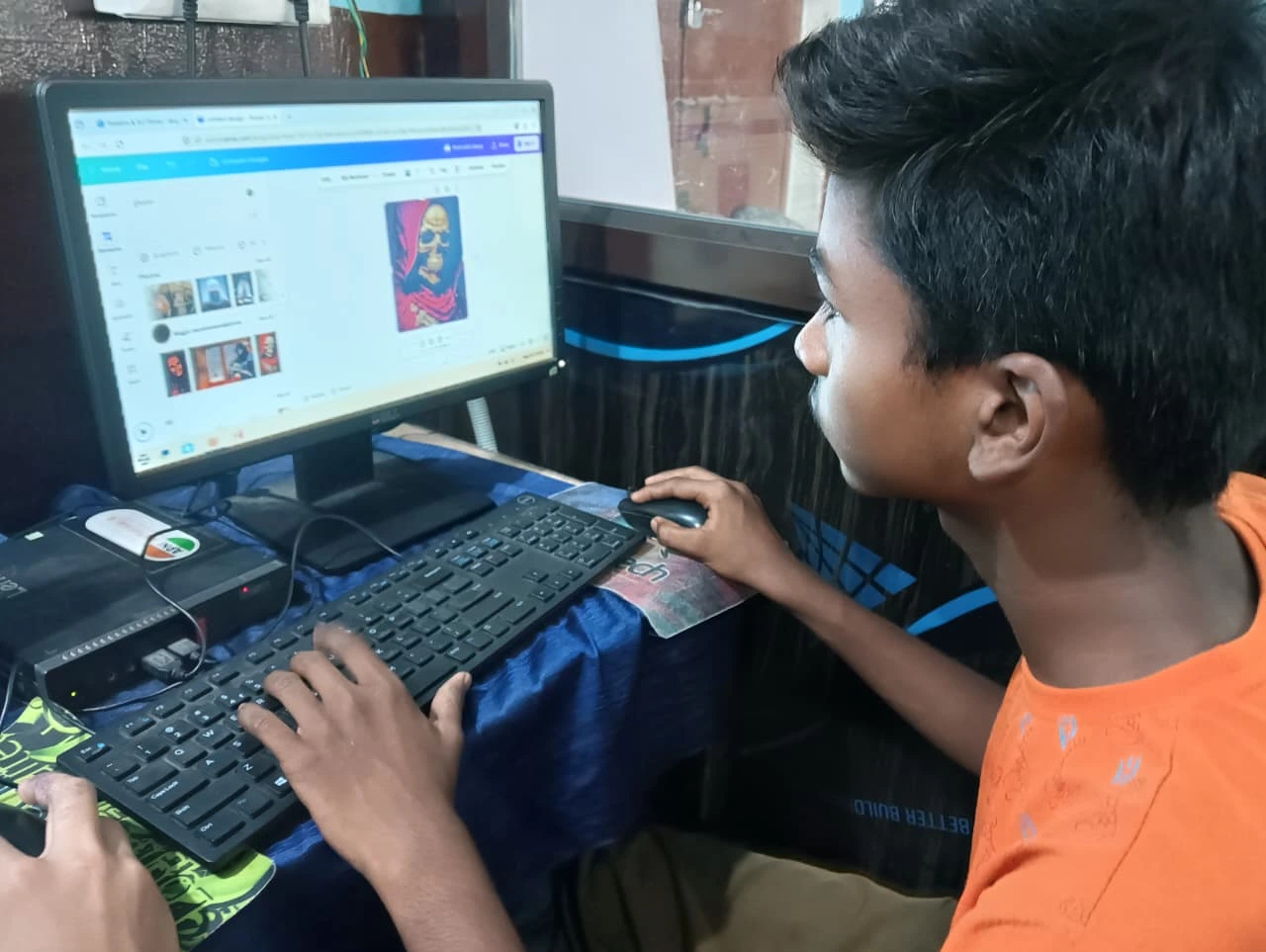
Buying the hardware is only half the work. A few setup steps make a real difference in how useful the computer becomes for studying:
- Browser bookmarks: Save links to NCERT’s digital library, the CBSE sample paper portal, and the student’s school website right on the bookmarks bar.
- Distraction control: Install a browser extension that blocks social media during study hours. This is simpler than taking the phone away and just as effective.
- Typing practice: Board exams include a computer science paper with a practical typing component. Free tools like TypingClub or Ratatype build speed over a few weeks.
- Mock test schedule: Download previous years’ question papers and set a weekly mock test routine. A dedicated folder on the desktop keeps everything organised.
- Parent check-ins: Once a week, sit with your child and review what they accessed on the computer. Not to police them, but to understand their study pattern and offer help where needed.
These small steps turn a basic desktop into a structured study tool. The best computer for board preparation is not the one with the highest specs. It is the one that fits into a student’s daily routine and supports focused work.
Hyderabad Parents Are Already Making This Shift
Parents in cities like Lucknow are already seeing the difference a dedicated study machine makes, as this guide on computers for school students in Lucknow explains. Talk to parents in areas like Malkajgiri, LB Nagar, or Miyapur, and you will hear a common story. They bought a phone or tablet for their child’s studies, and it became an entertainment device within weeks. A desktop changes that equation. It stays in the study room. It has a full-sized screen that does not strain the eyes. And it costs less than most mid-range phones.
The computer for board exam preparation is no longer a luxury. It is a basic tool, like a reference book or a calculator. Students who have access to one at home revise better, type faster, and feel more confident walking into the exam hall.
If your child is in Class 10 or 12 and you have been putting off buying a computer because of the cost, the options have changed. A reliable, complete setup for the best computer for board exam success exists well within ₹25,000. The best time to set it up was at the start of the academic year. The second best time is now. Visit apnapc.com to learn more.