

Anjali’s Story: Why Her Parents Chose a Student Desktop Under 25000
Anjali sits at her kitchen table in Pune, staring at her mother’s old laptop. It’s 2024, and she’s in class 10. The laptop freezes every time she opens more than two tabs for her online classes. Her father, a shopkeeper in Camp, has saved ₹25,000 for her studies. Her mother wants a tablet. Her brother suggests a used laptop. But Anjali needs something reliable, something that won’t let her down during her board exams. This is the story of thousands of students in Pune searching for the best student desktop under 25000 that actually works.
Why a Desktop Beats a Laptop for Students in Pune?
Let’s be honest. Laptops are expensive. A decent laptop costs ₹35,000 to ₹50,000 in Pune. A budget desktop computer for students gives you more power for less money. You get a bigger screen, a comfortable keyboard, and a machine that won’t overheat after two hours of use.
Desktops are also easier to repair. If something breaks, a local technician in Pune can fix it quickly. Laptop repairs mean sending it away for days. Your child can’t afford that during exam season.
What to Look for in a Budget Desktop Computer for Students?
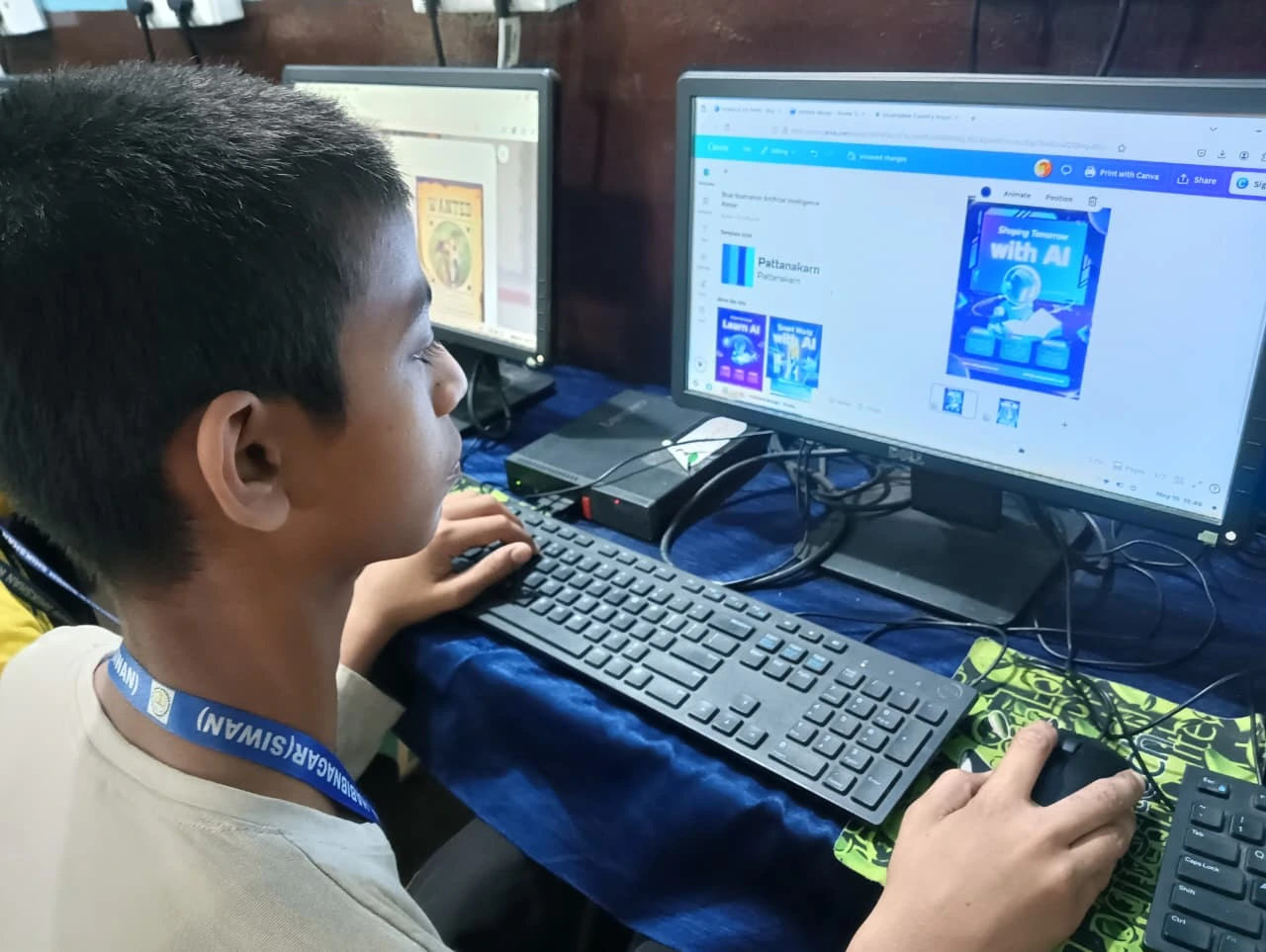
When you’re shopping for a student desktop under 25000, don’t get confused by technical jargon. Here’s what actually matters for your child’s studies:
- RAM (Memory): 8GB is the minimum. This lets your child run multiple tabs, Google Meet, and homework apps at the same time without the computer freezing.
- Storage: 128GB SSD is better than 256GB HDD. An SSD makes everything faster. Your child’s computer will start in seconds, not minutes.
- Processor: A modern quad-core processor. Don’t worry about brand names. Just make sure it’s not older than two years.
- Operating System: Linux or Windows. Many students don’t realise Linux works perfectly for studies. It’s free, secure, and comes with all the software your child needs.
- Monitor: 21-inch or larger. Your child will spend hours looking at this screen. Don’t go too small.
The Apna PC Solution: Built for Indian Students
What makes it different? It comes with everything your child needs, already installed. Zorin OS (a Linux system that looks and feels like Windows), 8GB RAM, 128GB SSD, LibreOffice, Scratch for coding, and Apni Prerna for student monitoring. Your child doesn’t need to buy software licenses. You don’t need to spend extra money on antivirus or office tools.
How Your Child Actually Benefits from a Personal Computer
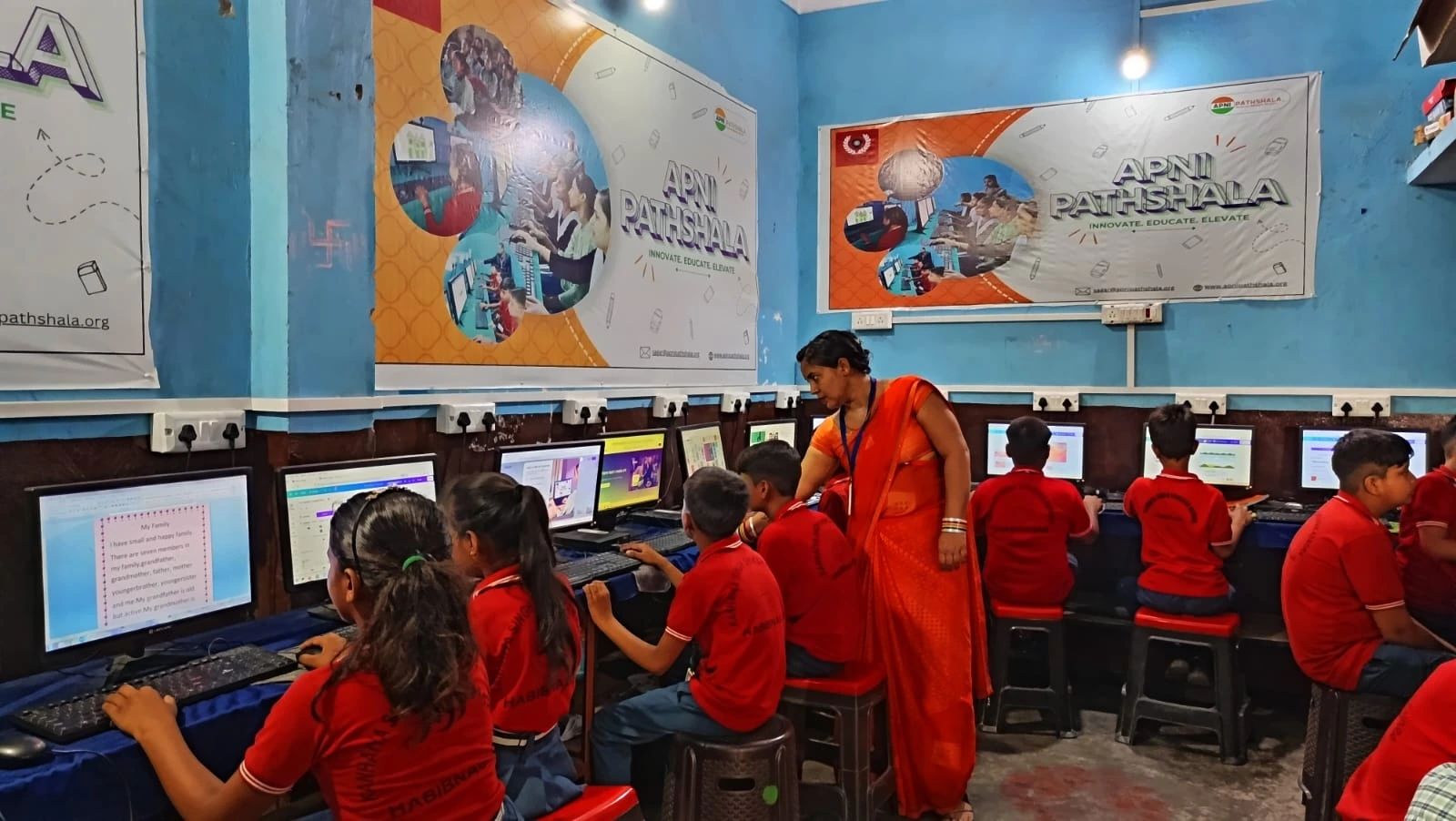
How a personal computer helps students grow is more than just finishing homework faster. Your child learns responsibility. They learn to organise their files. They learn basic computer skills that they’ll use in college and their career.
Buying a Student Desktop Under 25000 in Pune: Smart Tips
When you’re ready to buy, don’t just look at price. Look at what comes with it. Look at the warranty. Look at after-sales support. Pune has good computer shops, but you want someone who understands that this is for a student, not a gamer.
Ask about the operating system. If it’s Windows, you’ll need to buy a license (₹5,000-₹10,000). If it’s Linux like Zorin OS, it’s free. This matters for your budget.
Final Thoughts: Making the Right Choice
Anjali’s parents chose to invest in a good desktop for their daughter instead of a cheap laptop. Six months later, her mother told us that Anjali’s focus improved. Her grades went up. She even started learning coding on her own.