

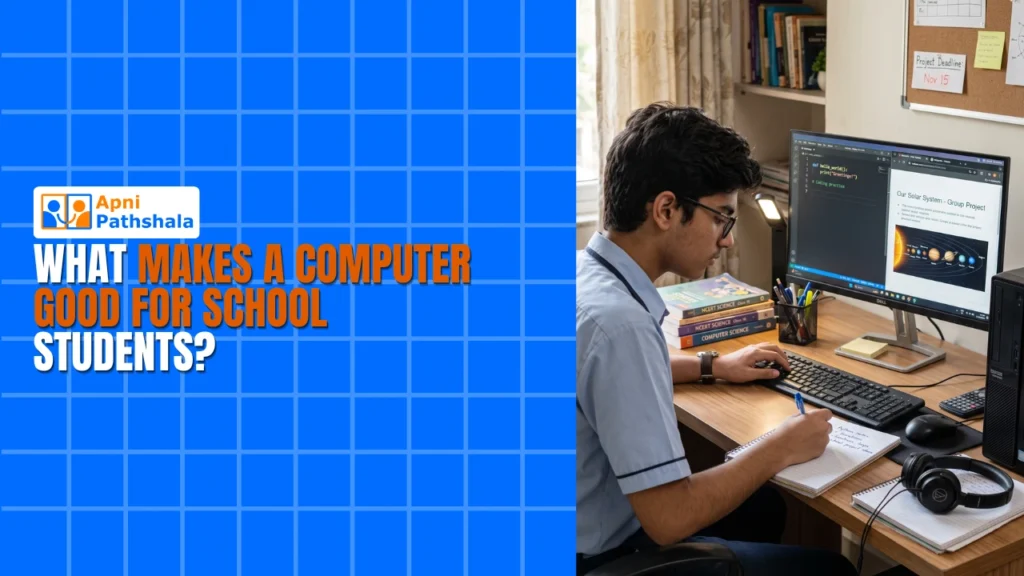
What Makes a Computer for School Students Different?
Rajesh, a parent from Indore, sat at his kitchen table scrolling through laptop listings online. His daughter needed a computer for school projects and online learning, but he wasn’t sure what to buy. Should he get a fancy gaming laptop? A regular office computer? Or something specifically designed for school students? You’re probably asking yourself the same question right now.
Finding the right student PC isn’t just about picking the cheapest option or the one with the biggest screen. Your child spends hours on homework, research, and online classes, so the computer needs to be reliable, safe, and built for learning. Let’s explore what actually matters when you’re shopping for a homework computer for your son or daughter.
Why a Regular Computer Isn’t Enough for School Students?
Most parents think any computer will work for school. That’s where they go wrong. A regular personal computer might have games, distracting apps, and security risks that aren’t suitable for kids. The interface is cluttered, notifications never stop, and there’s nothing to stop your child from opening YouTube the moment you leave the room.
When you buy a standard machine, you often get software bloat, confusing interfaces, and no built-in parental controls. Your child can easily wander off to gaming sites instead of finishing assignments. You also don’t get the educational tools that make learning easier. A purpose-built learning machine solves all of these problems by being purpose-built for education.
Check out our guide on student computer vs regular computer to see the real differences between a general-purpose device and one designed for learning.
Key Features Your Student PC Should Have
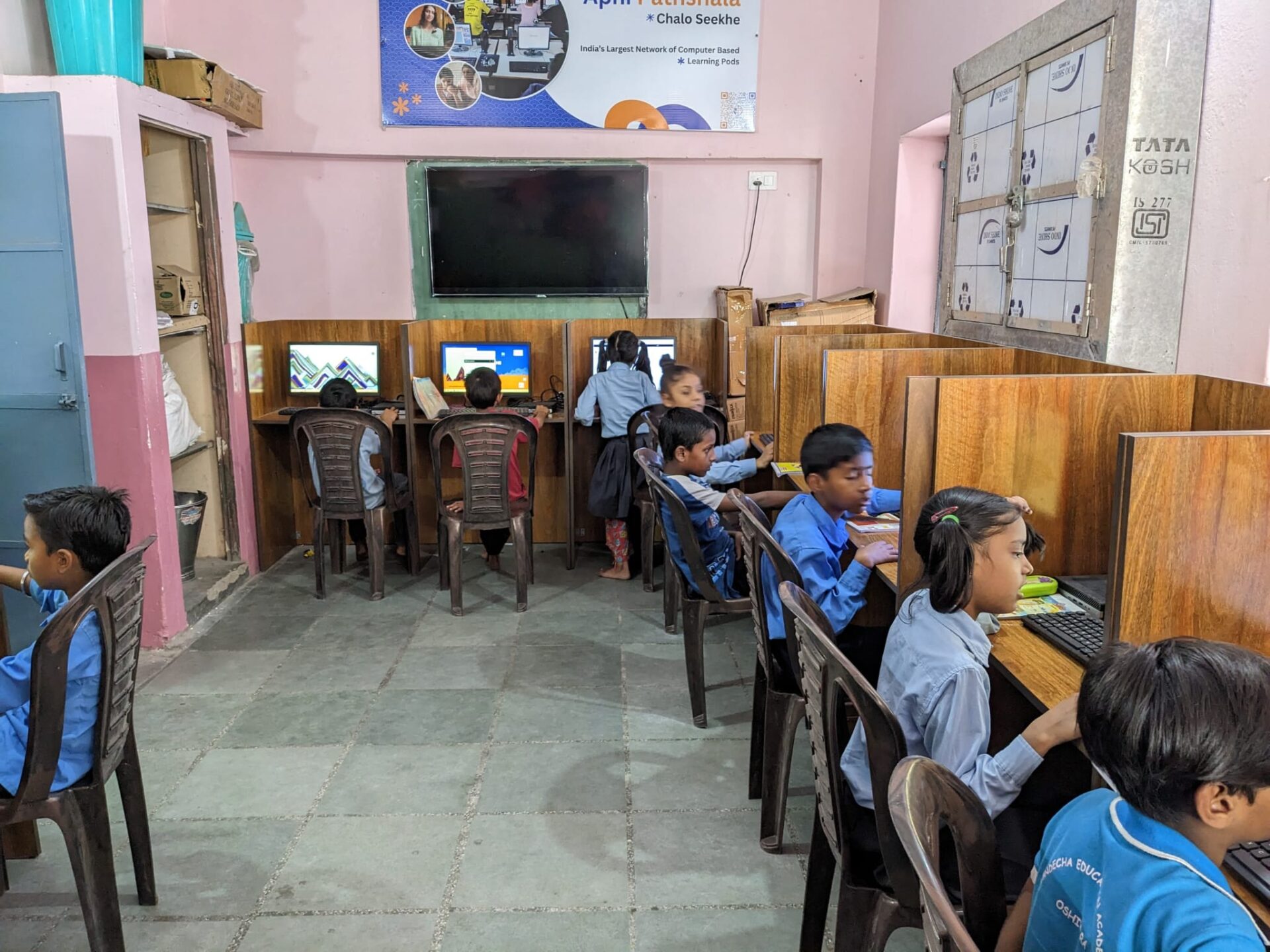
When you’re choosing a homework computer, look for these essential features:
- Good Processor and RAM: Your student needs smooth performance for multiple browser tabs, video calls, and document editing simultaneously. At least 8GB RAM is non-negotiable.
- Fast Storage: An SSD speeds up load times, saving time during study sessions. A 128GB SSD is enough for schoolwork and educational software.
- Educational Software: Pre-loaded programs for coding, writing, and research make learning immediate and accessible. Your child shouldn’t need to install anything before they can start studying.
- Parental Controls: You should be able to monitor screen time and see what your child is doing online. This isn’t about spying. It’s about responsible parenting in the digital age.
- Student-Friendly OS: An operating system designed for education is easier to navigate and safer than generic options. No bloatware, no distractions, no confusion.
- Reliable Warranty: Minimum of 1 year. Hardware breaks, especially with kids. You need support that doesn’t disappear after the sale.
You don’t need expensive gaming specs or trendy features. What you need are reliable, learning-focused tools that actually help your child succeed in school.
Apna PC: Built Specifically as a Computer for School Students
Apna PC is designed by Apni Pathshala specifically for school students. It costs just Rs.21,000 (before shipping and GST), making it affordable for families in Tier 2 and Tier 3 cities across India.
This student PC comes with 8GB RAM and 128GB SSD, giving your child fast, smooth performance for everything from video classes to project work. You won’t face lag or freezing during important online learning sessions. The hardware has been tested and proven for educational use, not for gaming or office work.
The software setup is what makes Apna PC special. It runs Zorin OS, a clean, distraction-free operating system that’s perfect for students. You get LibreOffice for documents and spreadsheets, Scratch for coding basics, and Apni Prerna built in for parental monitoring. Everything your child needs is ready from day one.
Apni Prerna is the game-changer here. This tool lets you see your child’s screen, track their activity, and set usage time limits. You’re not being invasive; you’re being responsible. You can ensure your homework computer is actually being used for homework.
Why the Right Online Learning Computer Matters?
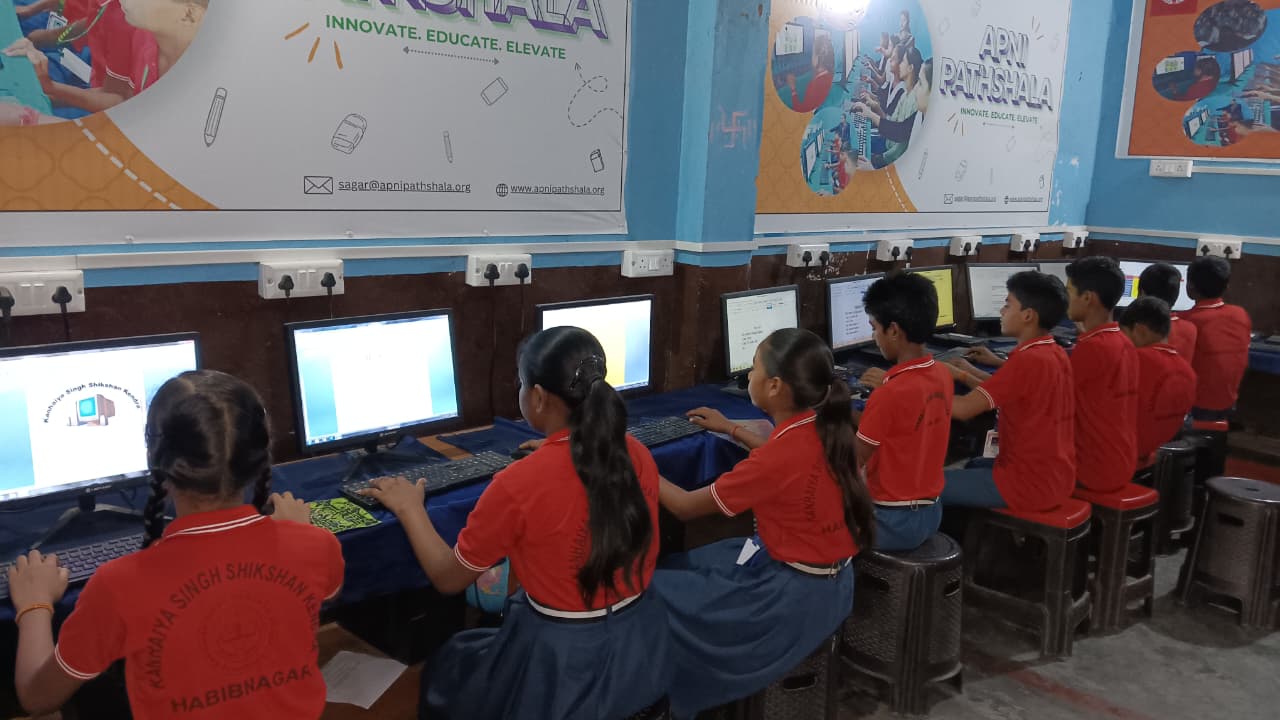
India’s education system has changed. Your child needs access to technology that supports learning, not distracts from it. The Digital India initiative has pushed digital literacy, and schools now expect students to use computers regularly for assignments, research, and even exams.
When you invest in the right student PC, you’re investing in your child’s academic future. They’ll develop computer skills, complete assignments faster, and learn in an environment designed for their needs. You’ll have peace of mind knowing what they’re doing online.
For families in smaller cities, finding the best computer for school students has been difficult. You’d either buy expensive professional-grade laptops or cheap machines that break down quickly. Apna PC changes that equation completely. It’s built for Indian students, by Indian educators who understand the real challenges families face.
Making Your Decision Today
Before you buy any homework computer, ask yourself these questions. Does it come with educational software, or is it just a blank operating system? Can you monitor your child’s activity? Is it priced fairly for your budget? Will it last through your child’s school years?
You want a computer that grows with your student. Whether they’re in Class 6 or Class 12, the right specs and software matter. Apna PC checks all these boxes at a price that works for Indian families. It is affordable without cutting corners on what matters.
Think about what your child really needs. Not a gaming machine. Not a business laptop. A purpose-built learning tool that keeps them focused, safe, and productive. That’s exactly what the right student PC should be. Visit apnapc.com to learn more.