

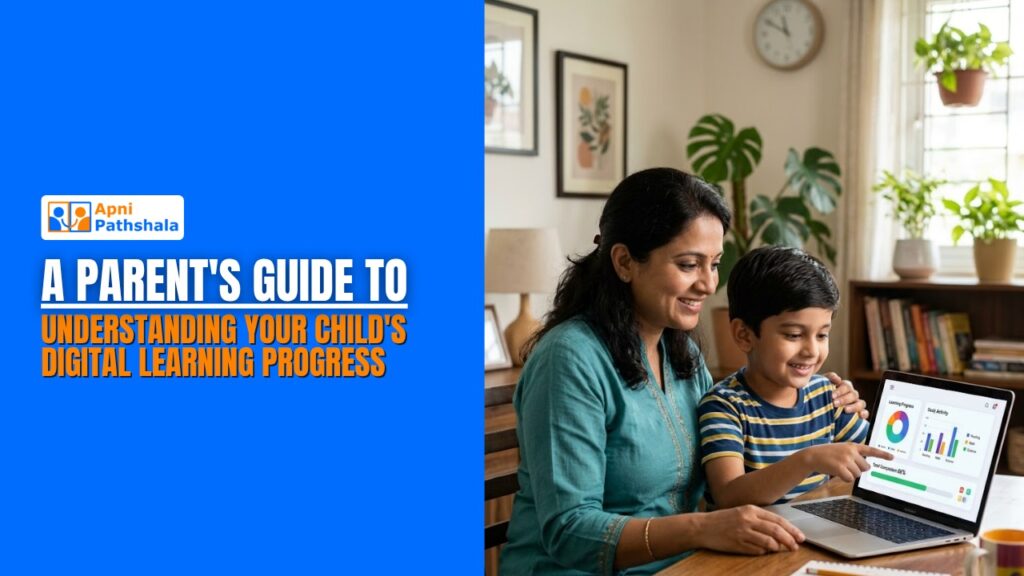
Deepak is a father of two in Pune. His daughter Shruti uses a computer at home for school every evening. She watches lessons, completes practice exercises, and types her assignments. But when Deepak asks “how is your learning going?”, Shruti just says “fine.” He has no idea whether she is actually improving, which topics she struggles with, or whether the hour she spends on the computer is making any real difference. This is a challenge most Indian parents face. Knowing how to monitor the digital learning that children in Indian homes are embracing is just as important…
as giving a child access to the tools in the first place.
Why Tracking Your Child’s Digital Learning Actually Matters
Many parents assume that if a child is sitting in front of a computer and doing something educational, learning is happening. But digital learning, like all learning, needs to be checked, guided, and adjusted. A child can spend 45 minutes on an educational platform and still not understand the topic if they are rushing through, guessing answers, or watching videos passively without engaging.
When you track child learning progress, Indian parents often overlook this step and focus on access to devices rather than outcomes. Tracking does not mean hovering over your child’s shoulder every session. It means checking in regularly, understanding what they are working on, and noticing patterns, like which subjects they avoid, or which ones they always ask for help with.
According to UNICEF India’s education research, parental involvement in a child’s learning, even at a basic level of awareness and interest, significantly improves academic outcomes. You do not need to understand every platform your child uses. You just need to stay curious and engaged.
Practical Ways to Monitor and Understand Your Child’s Digital Learning
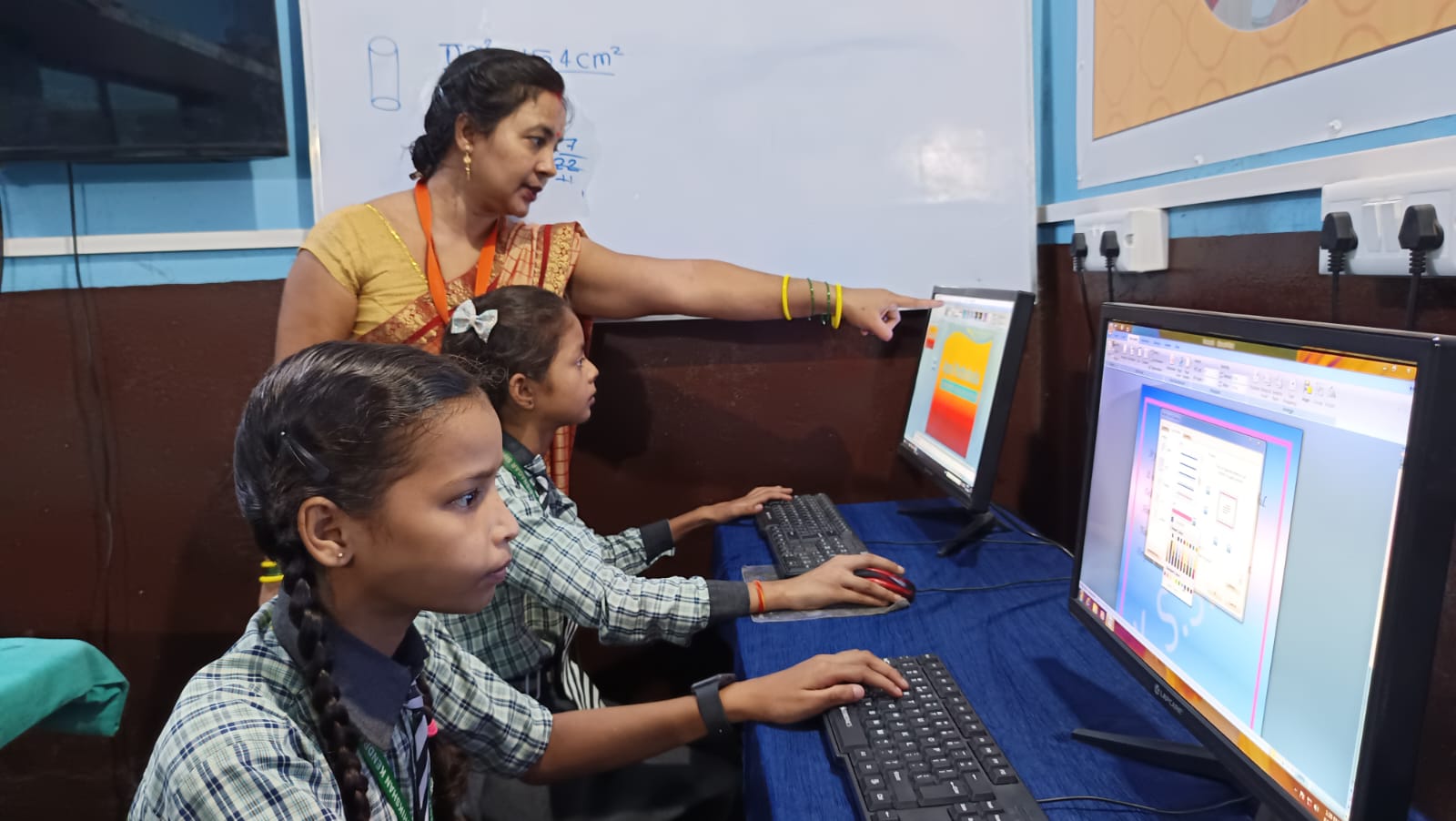
Here are simple, realistic ways any Indian parent can stay informed about their child’s digital learning progress, without becoming a full-time monitor:
- Ask specific questions, not general ones: Instead of “how was your study time today?”, ask “what did you learn about in science today?” or “show me one thing you practised on the computer.” Specific questions reveal far more, and they signal to your child that you are genuinely interested.
- Use platform progress reports: Most educational apps and platforms, including DIKSHA, Khan Academy, and others, have built-in progress tracking. They show which lessons are completed, how long a child spent on each topic, and where they are struggling. Spend 5 minutes a week reviewing this data with your child.
- Look at the student learning data that Indian platforms provide: Many modern EdTech tools generate detailed dashboards, including completion rates, quiz scores, time spent, and topics revisited. You do not need to analyse every number. Just look for patterns: Is your child skipping certain subjects? Are their quiz scores improving week on week?
- Create a simple weekly check-in routine: Every Sunday, sit with your child for 10-15 minutes and ask them to show you what they worked on during the week. Let them explain a concept they learned. This is not a test, it is a conversation. It builds accountability and gives you a clear picture of real progress.
- Build a basic digital portfolio: A digital portfolio that Indian families can easily create is simply a folder on the computer where the child saves their best work, typed assignments, drawings, projects, and quiz results. Reviewing it monthly shows growth clearly and gives children a sense of pride in their progress.
Apna PC makes this easier by keeping all learning activity in one organised, structured space, with no entertainment apps or unrelated content to distract from the record of real learning. Explore how Apna PC supports structured home learning on our What Is Apna PC page.
How the Right Tools Make Progress Visible
One of the biggest challenges parents face is that digital learning can feel invisible. A child reading a book leaves a physical trail, dog-eared pages, pencil marks, notes in the margin. A child using a computer leaves no such trail unless the right tools are in place.
This is why the choice of device and platform matters. DIKSHA India’s national digital learning platform, offers detailed learning logs for students and is directly aligned with NCERT curriculums. When a child uses DIKSHA regularly on a dedicated educational computer, parents and teachers can both see exactly what has been covered, how long was spent on each topic, and where additional practice is needed.
Apna PC is designed to work seamlessly with platforms like DIKSHA, giving students a focused, distraction-free environment for learning while giving parents the visibility they need to stay informed. At Rs. 21,000 (shipping and GST excluded), it is the most practical investment an Indian family can make in structured, trackable home education.
Staying involved in your child’s digital learning does not require technical knowledge or hours of monitoring. It requires curiosity, regular conversations, and the right tools at home. When parents stay engaged, children learn better. It is that simple.
Visit apnapc.com to learn more.
Read more about how a dedicated home computer transforms learning outcomes on our Why Every Indian Student Needs Their Own Computer page.