

Getting your first computer is exciting but it can also feel overwhelming if you’ve never owned one before. What do you need to buy? How do you connect everything? What software should you install? Will it even work with your budget?
If you’re a student, a parent buying for your child, or someone starting their digital journey, this guide is for you. We’ll walk you through exactly how to set up a complete, fully functional PC for under ₹10,000 — and yes, that’s possible in 2026, thanks to Apna PC.
Step 1: Choose the Right PC for Your Needs
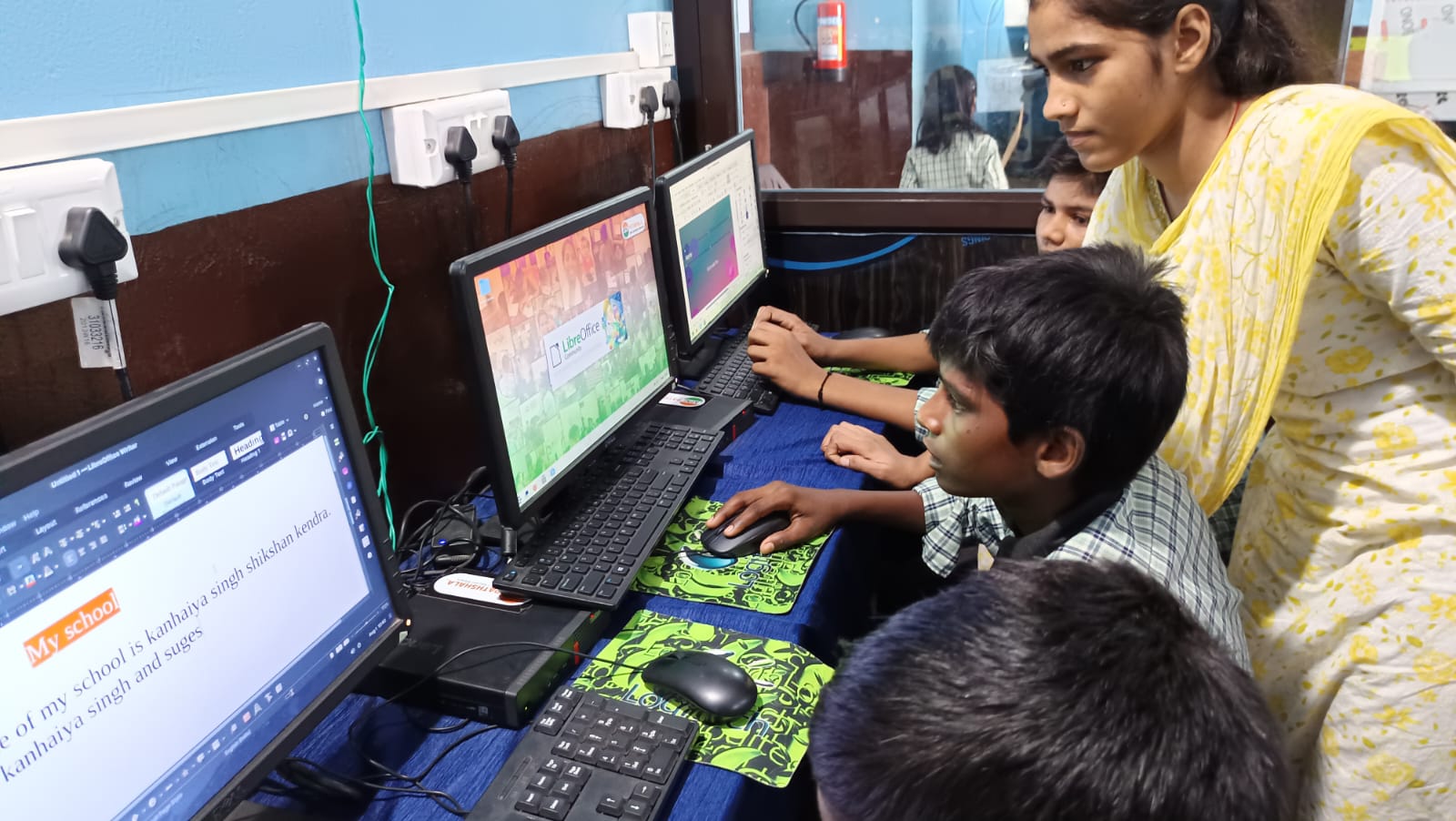
Before anything else, ask yourself: What will I use this PC for?
For students (Class 5–12, exam prep, basic coding):
The Apna PC i3 at ₹9,999 is perfect. It handles document editing, web browsing, Scratch programming, exam preparation apps, and more effortlessly.
For college students and freelancers (coding, design, video editing):
The Apna PC i5 at ₹14,999 gives you more processing power for demanding tasks like 3D modelling in Blender, running multiple browser tabs, or learning advanced programming.
Why we recommend Apna PC: Both variants come as a complete plug-and-play setup, CPU, 18.5” HD monitor, keyboard, mouse, all cables, pre-installed OS and software. You don’t need to buy anything extra. It’s designed to work out of the box for first-time users.
Step 2: Unbox and Connect (Takes 10 Minutes)
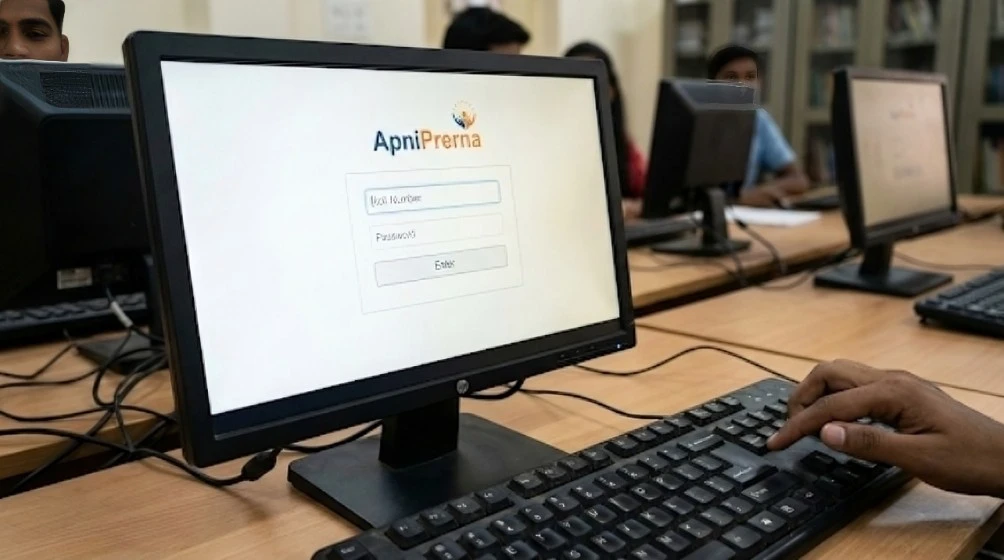
Once your Apna PC arrives, setting it up is incredibly simple. Here’s the process:
-
- Place the CPU tower on or under your desk. Make sure it’s on a flat, stable surface with some ventilation space around it.
-
- Connect the monitor to the CPU using the VGA or HDMI cable provided. Plug the monitor’s power cable into a wall socket.
-
- Plug in the keyboard and mouse to the USB ports on the back (or front) of the CPU tower.
-
- Connect the CPU’s power cable to a wall socket or power strip.
-
- Press the power button on the CPU tower. The monitor should light up and show the desktop within 30 60 seconds.
That’s it! No driver installations, no software downloads, no configuration. Apna PC arrives classroom-ready; everything is pre-installed and pre-configured.
Step 3: Explore Your Pre-Installed Software
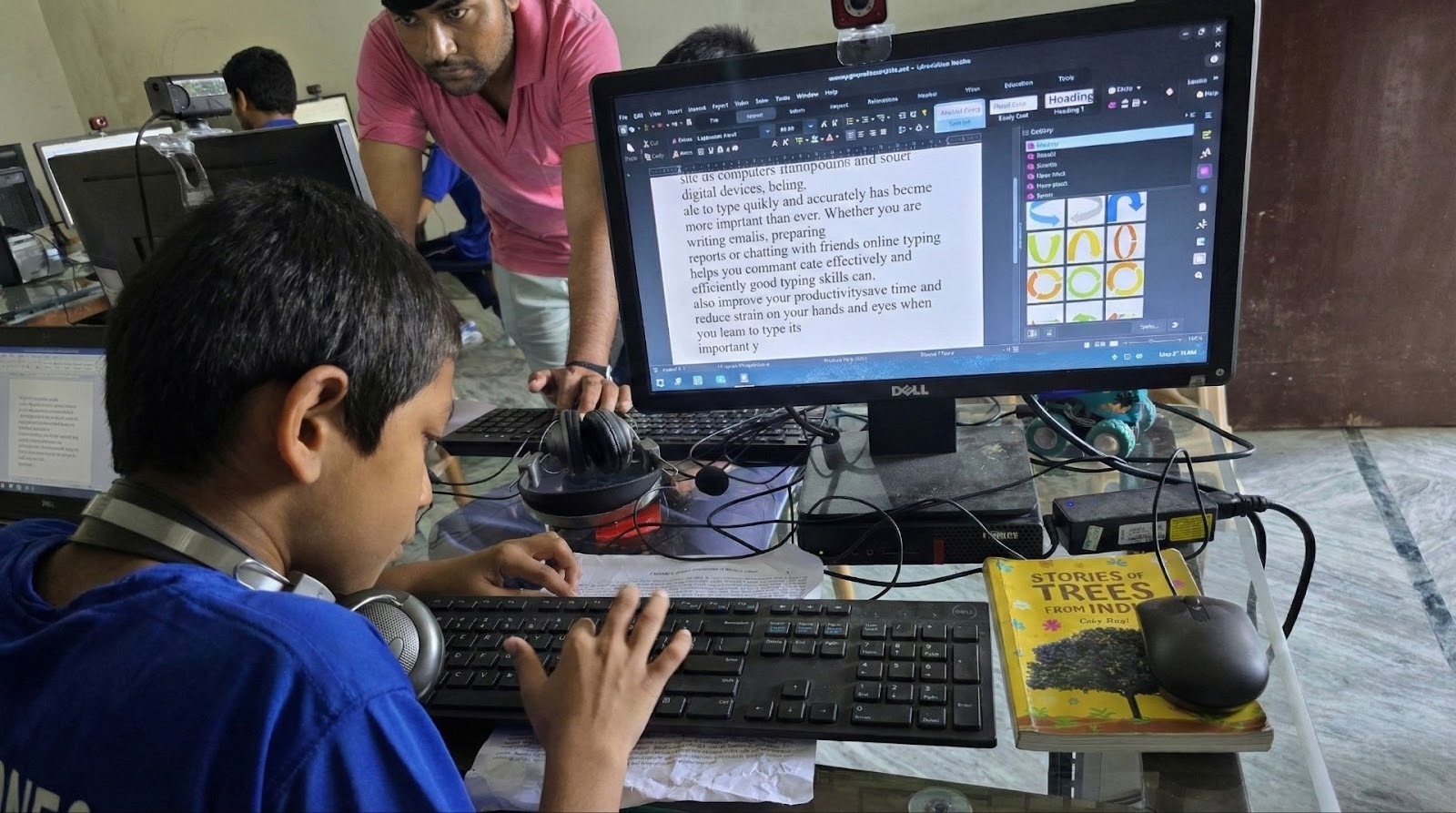
With Apna PC, you don’t need to search for, download, or pay for software. Everything you need is already loaded:
-
- LibreOffice – Free alternative to Microsoft Office. Create documents, presentations, and spreadsheets. Perfect for homework, projects, and professional work.
-
- Beyond Exams – Access 30,000+ courses across school subjects, competitive exam prep, and skill development. Earn certificates to build your resume.
-
- CoTutor (AI Tutor) – Your personal 24/7 AI teacher. Ask doubts, take mock interviews, practise for exams, and learn at your own pace. No tuition fees required.
-
- Scratch – Learn coding by creating fun games, animations, and interactive stories. Designed for beginners, no prior coding knowledge needed.
-
- Blender -Professional-grade 3D modelling, animation, and rendering software. Used by Hollywood studios, available free on your Apna PC.
-
- Circuit Simulator – Design and simulate electronic circuits visually. Great for science projects and engineering students.
-
- Code Editor – A lightweight programming editor supporting multiple languages Python, HTML, JavaScript, and more.
-
- 2D CAD – Create technical drawings and 2D designs for engineering and design projects.
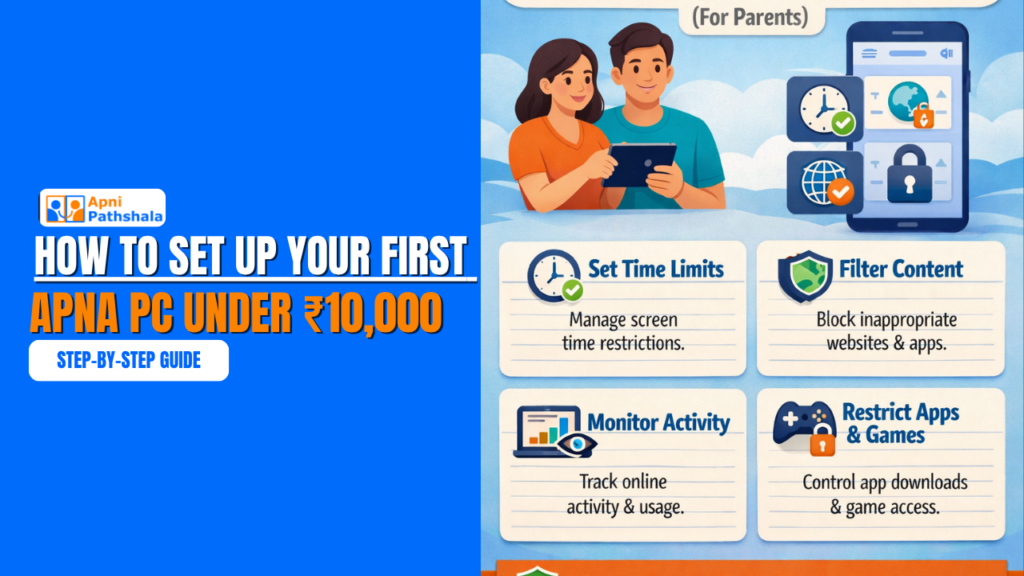
Step 4: Set Up Parental Controls (For Parents)
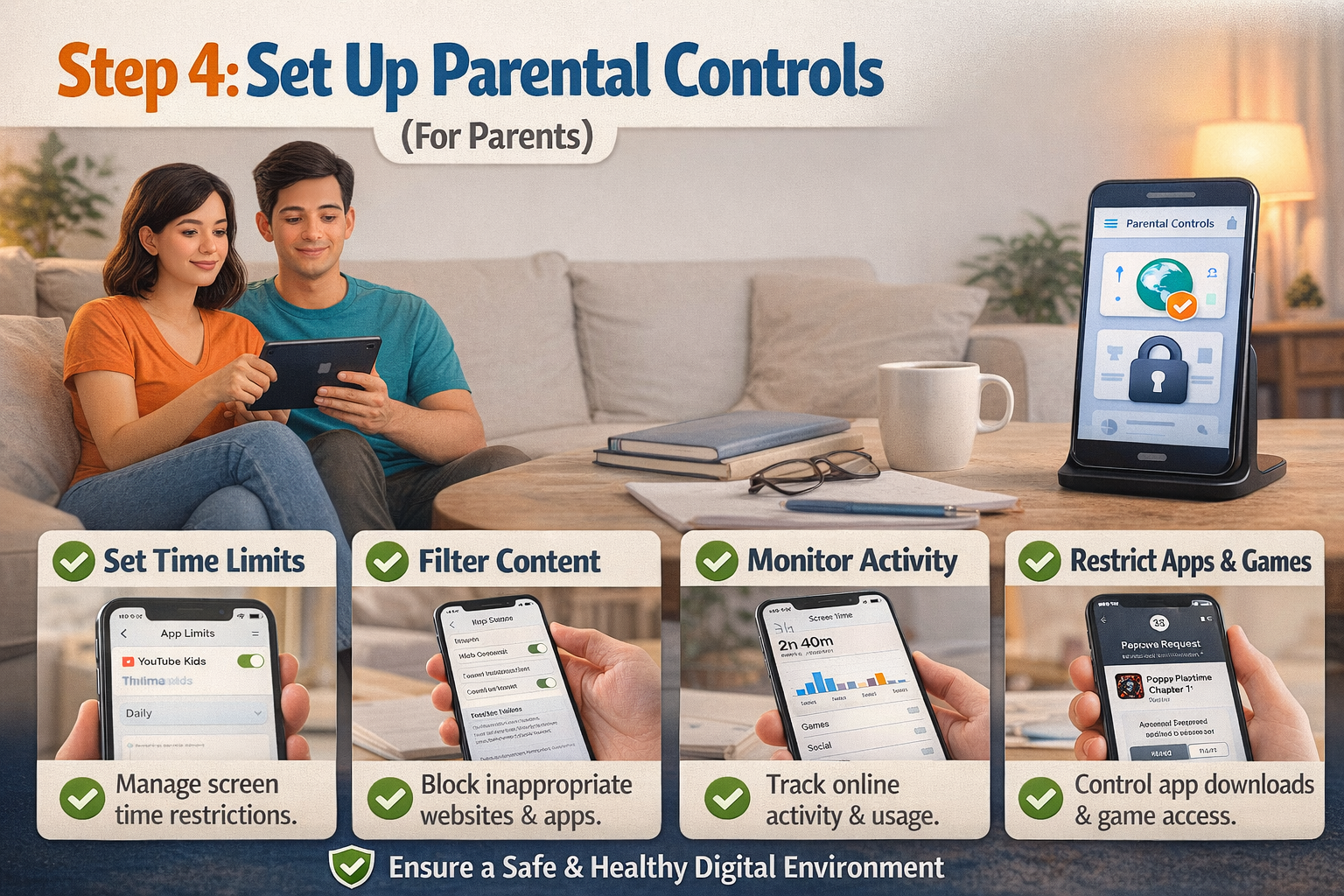
If you’re a parent buying Apna PC for your child, the built-in Niyantram safety system is a game-changer. Here’s what it does:
-
- Blocks all non-educational websites and apps, no social media, no games, no distracting content
-
- Tracks screen time and study hours know exactly how your child is using the computer
-
- Sends automatic reports to parents, get updates on your child’s learning progress directly on your phone
-
- Only allows learning tools and courses that your child uses the PC for its intended purpose: education
Niyantram comes pre-configured on every Apna PC. Parents don’t need to install or set up anything extra. This is something you simply cannot get with a regular desktop or laptop at any price.
Step 5: Connect to the Internet
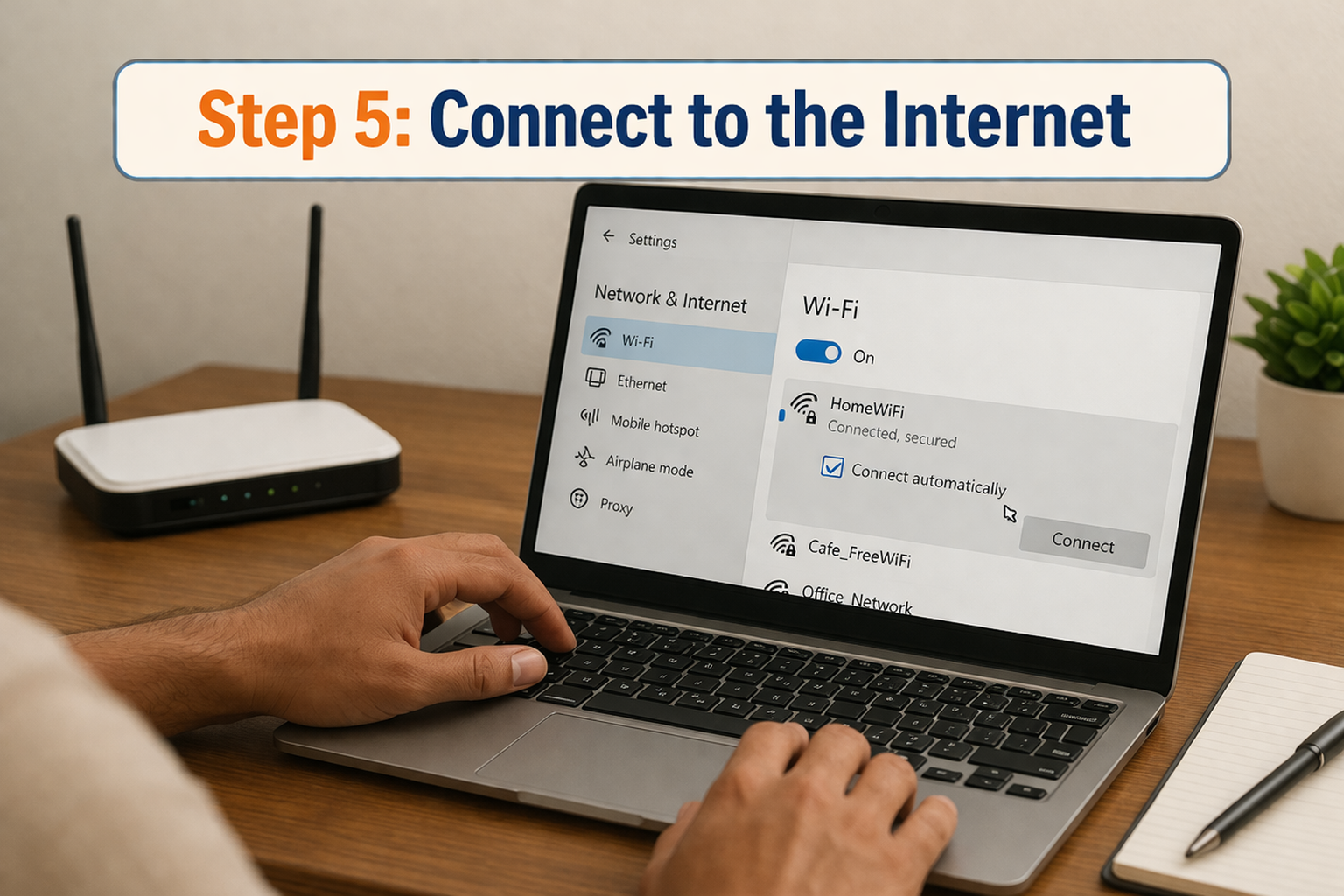
To get the most from your Apna PC, connect it to the internet. You have three options:
-
- Wired LAN Cable: Plug an Ethernet cable from your router directly into the CPU. This gives the fastest, most stable connection.
-
- USB Wi-Fi Adapter: If you don’t have a LAN cable near your desk, a USB Wi-Fi dongle (available for ₹300 500) lets you connect wirelessly.
-
- Mobile Hotspot: In areas without broadband, tether your smartphone’s mobile data via USB or hotspot. Many Apna PC tools also work offline.
Pro tip: Many of Apna PC’s core tools LibreOffice, Scratch, Blender, Code Editor, 2D CAD work fully offline. So even in areas with limited internet access, students can learn, code, and create without interruption.
Step 6: Sync Your Phone with Your PC
Apna PC includes a built-in Phone-PC Sync Tool that lets you:
-
- Transfer files between your phone and PC wirelessly
-
- Receive phone notifications on your PC screen
-
- Remotely control your PC from your smartphone
This is particularly useful for parents who want to monitor their child’s computer usage from another room, or for students who need to quickly transfer photos and notes from their phone to the PC for projects.
Step 7: Start Learning!
Your Apna PC is now fully set up and ready. Here are some great first activities:
-
- Create your first document in LibreOffice Writer (similar to Microsoft Word)
-
- Build your first game in Scratch (follow the built-in tutorial)
-
- Ask CoTutor a question about any subject it responds like a personal tutor
-
- Browse Beyond Exams and enrol in your first free course
-
- Design a 3D object in Blender (start with the doughnut tutorial, it’s a classic!)
Your Digital Journey Starts Here
Setting up your first PC doesn’t have to be complicated or expensive. With Apna PC, the entire experience from unboxing to learning takes less than 15 minutes. No tech expertise needed. No extra purchases required. No confusing setup process.
For just ₹9,999, you get a complete computer with a 3-year warranty, pre-loaded learning tools, an AI tutor, parental controls, and the backing of Apni Pathshala’s nationwide network of 100+ learning PODs.
Your first PC should be the start of something big. With Apna PC, it is.
 Get Started Today!
Order your Apna PC at apnapc.com and start your digital learning journey. For schools, NGOs, and bulk orders, email [email protected]