


Meet Priya: Learning Coding Without WiFi
Priya sits in her small room in Indore and opens her new computer for the first time. Her parents are worried about screen time and internet safety, so they bought her a computer without internet built in for offline learning. Today, she’s not scrolling social media or watching videos. Instead, she’s creating her first game in Scratch, a visual coding platform that comes pre-installed. Her fingers move across the keyboard as she drags colourful blocks to make a character jump. No internet needed. No distractions. Just pure learning.
This is what’s possible with a computer without internet. Your child isn’t limited or bored. Instead, they’re building real digital skills that matter for their future. Let’s explore what students can actually do offline and why it’s powerful for learning.
Typing Practice on a Computer Without Internet
One of the most valuable things your child can do on a computer without internet is practice typing. Typing speed matters today, whether for entrance exams, college applications, or later office work. LibreOffice Writer comes pre-installed on Apna PC, giving you a full word processor right away.
Your student can start with simple exercises: typing out their favourite poems, rewriting textbook passages, or creating their own stories. They’ll naturally improve their typing speed and accuracy without thinking about it. By the time they’re in high school, they’ll type faster than their peers who’ve only used phones and tablets.
Here’s a concrete example: Arjun from Nagpur spent 30 minutes a day typing history notes instead of handwriting them. After three months, his typing speed jumped from 25 words per minute to 45. His exam answers became neater and faster. His confidence grew.
Learning to Code with Scratch on a Computer Without Internet
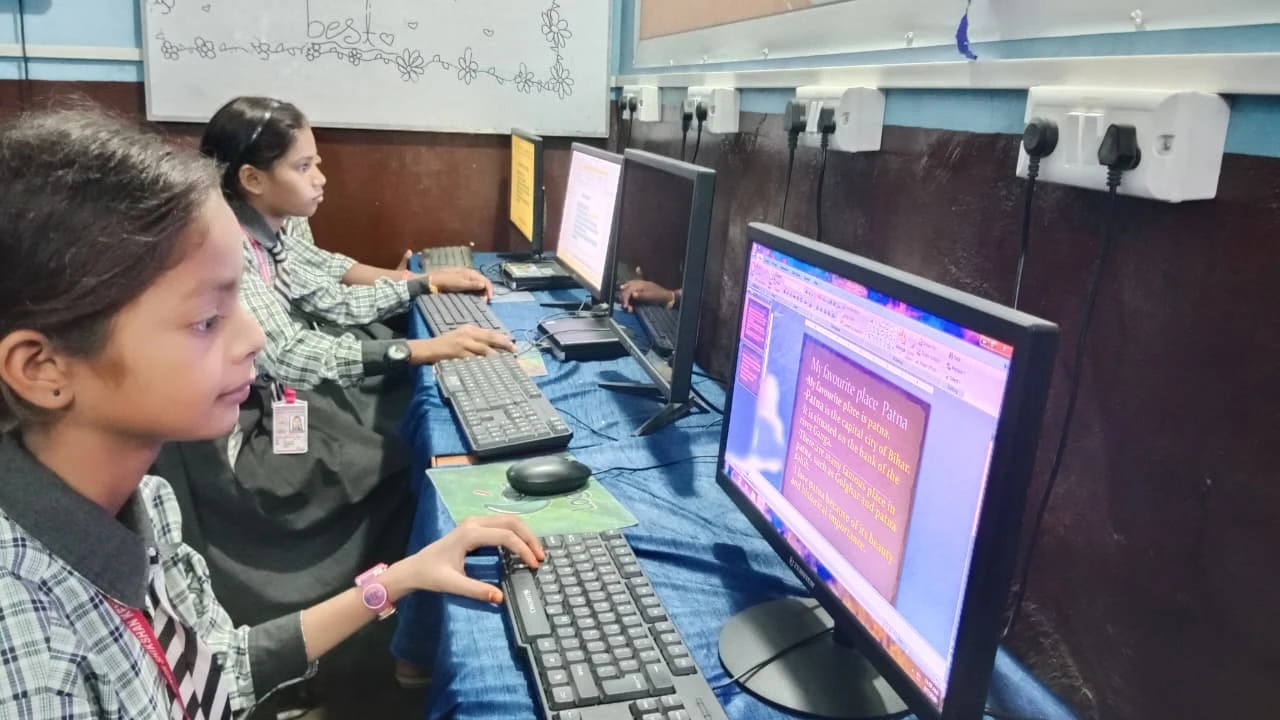
Scratch is a visual programming language designed for students aged 8 and up. It comes pre-loaded on Apna PC, ready to use without any internet connection. Your child clicks and drags code blocks to create animations, games, and interactive stories.
Why does this matter? Coding teaches logical thinking, problem-solving, and patience. Your student learns that computers follow instructions exactly. If something doesn’t work, they debug it themselves. This builds confidence and independence.
Consider what Meera did in her village near Jaipur. She created a simple quiz game in Scratch where characters ask math questions and respond to answers. Her younger brother used it to practice multiplication. She learned coding fundamentals, and her brother improved his math. One computer, two learners, unlimited creativity.
For more structured offline computer practice, check out our guide on offline computer practice for students.
Document Creation and Research Organisation
LibreOffice on Apna PC includes Writer for documents, Calc for spreadsheets, and Impress for presentations. Your student doesn’t need expensive Microsoft Office or internet access to create professional-quality work.
Consider how your child can use it. They can create a project report with formatted text, images, and tables. They can build a spreadsheet to track their grades, daily expenses, or science experiment data. They can design a presentation for their school project without relying on cloud services.
Vikram, a class 9 student in Lucknow, created a detailed project on renewable energy using LibreOffice. He added images from offline sources, formatted headings properly, and made charts showing energy data. His teacher was impressed with the presentation quality. He’d learned professional document skills without ever needing the internet.
Educational Games and Brain Training
An offline computer doesn’t have to be boring. You can install dozens of educational games that run completely offline. These games teach math, languages, logic, and memory skills while keeping your child engaged.
Games like chess, sudoku, and puzzles build strategic thinking. Language games help with vocabulary and spelling. Math games make concepts stick through repetition and reward. Your child learns without realising they’re studying.
The key difference from online games: no ads, no in-app purchases, no time limits, no comparison with other players. Just pure learning at your child’s own pace.
Using Pre-installed Educational Apps
Apna PC comes with Apni Prerna, an educational platform that works offline and helps students track their learning progress. Your child can access learning materials, watch educational content that’s been downloaded, and complete assignments all without internet.
This is aligned with what India’s Ministry of Education recommends for digital literacy. Apni Pathshala has designed these tools specifically for Indian students, keeping local curriculum and learning needs in mind.
Your student can learn at their own speed, repeat lessons as needed, and build confidence before moving to more advanced topics.
Multimedia Projects and Digital Creativity
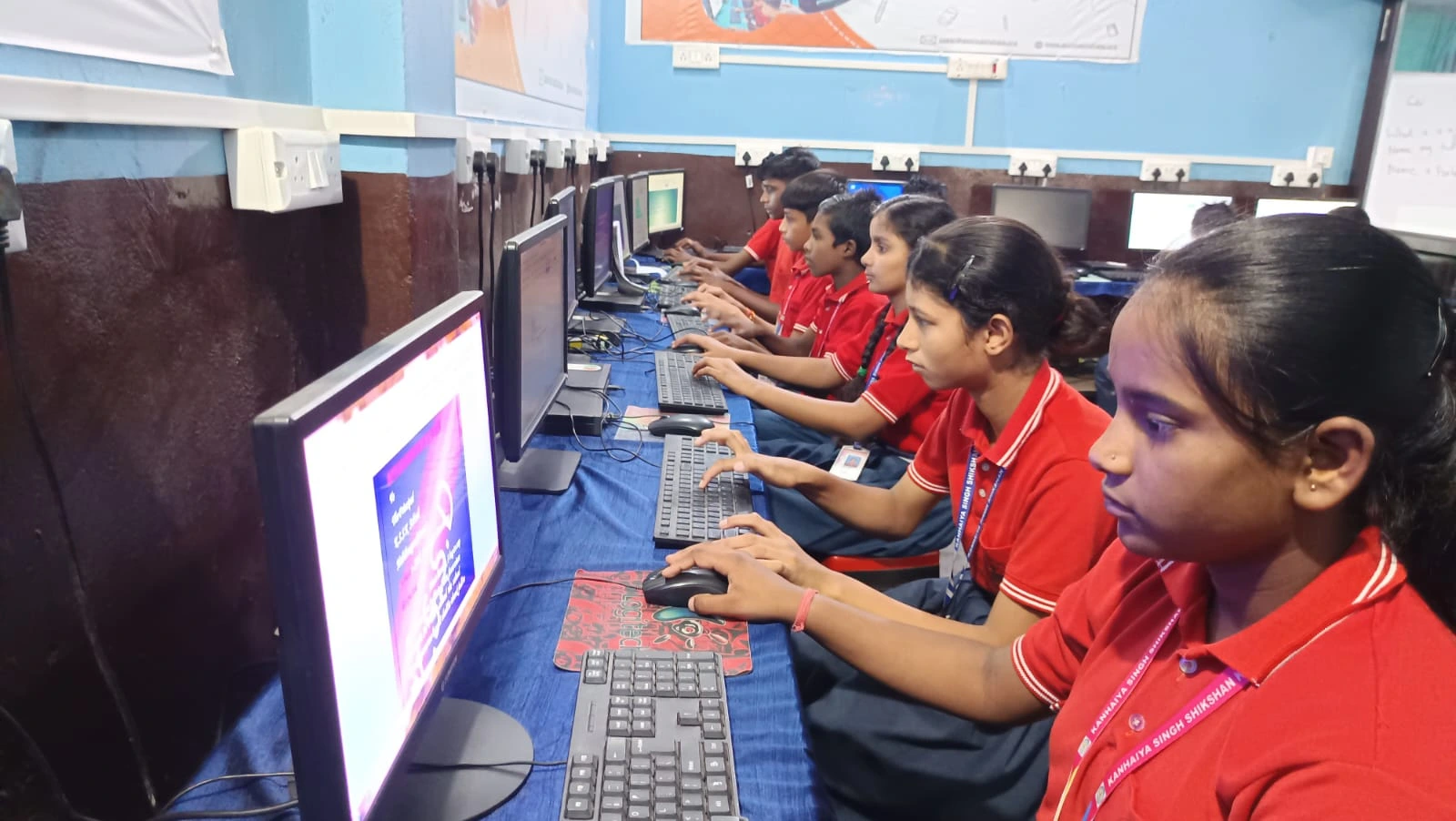
With pre-installed tools, your child can create presentations, edit images, and organise multimedia projects. They can combine text, images, and basic animations to explain concepts they’re learning.
Divya, a Class 10 student in Pune, created a digital presentation on the water cycle using images, text, and simple animations in LibreOffice Impress. She didn’t need YouTube tutorials or internet research. She used her textbook, her computer, and her imagination. Her project scored top marks.
Building Discipline and Screen Time Control
Here’s something parents often overlook: an offline device naturally limits screen time. Your child can’t endlessly scroll or switch between apps. They sit down with a specific task, complete it, and move on.
This builds discipline and focus. Your student learns that computers are tools for productivity, not entertainment. They develop healthy digital habits early.
Preparing for Exams and Competitive Tests
According to CBSE guidelines and UNESCO education research, digital literacy is crucial for student success. Your child can use a computer without internet to practice typing exams, create study notes, organise research, and build presentations for school projects.
Many competitive exams now include computer-based tests. Your child who’s comfortable with typing, using applications, and navigating a computer will perform better than peers who’ve only used phones.
Real Skills for Real Life
The truth is simple: your child doesn’t need internet to learn valuable digital skills. They need a good computer, useful software, and time to practice. Apna PC provides exactly that.
Whether your child is typing documents, coding in Scratch, creating presentations, or playing educational games, they’re building skills that matter. They’re learning without distraction. They’re developing confidence and independence.
Your investment in a computer isn’t about entertainment. It’s about giving your child tools to succeed in a digital world. The best part? It all works offline, safely, and productively.
Apna PC costs just Rs.30,000 (shipping and GST excluded) and comes pre-loaded with everything your child needs. Visit apnapc.com to learn more.