

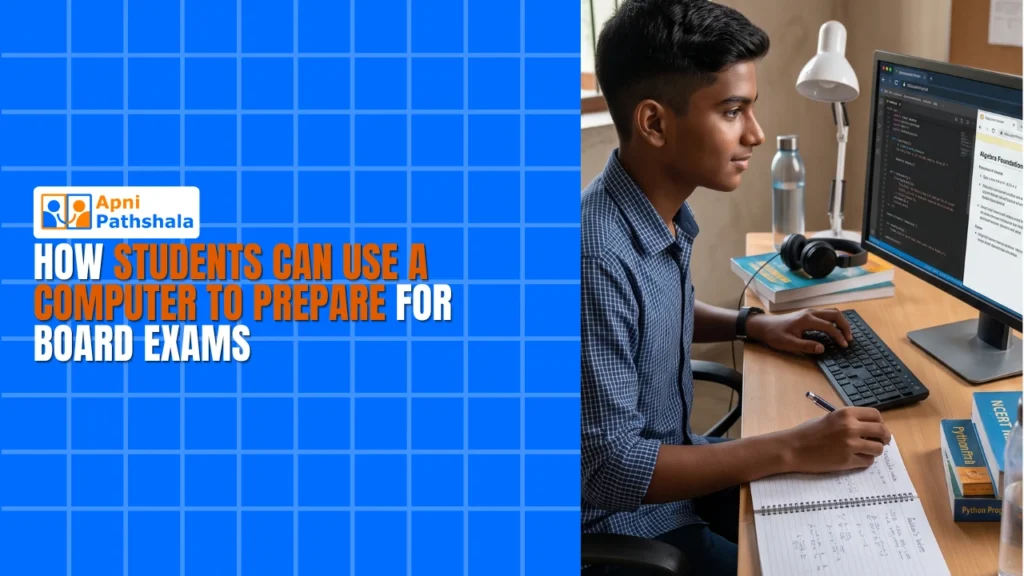
Board exam season brings stress, uncertainty, and the constant pressure to perform well. But what if you had a tool that could transform your exam preparation? A board exam computer designed for students can be your secret weapon. Whether you’re revising notes, taking mock tests, or accessing study materials online, having a dedicated device makes all the difference. At just Rs.21,000, Apna PC offers affordable educational computers built specifically for Indian students like you.
Why a Board Exam Computer Matters for Your Success
Traditional study methods- textbooks, handwritten notes, and classroom lectures- work, but they’re limited. A board exam computer opens doors to unlimited resources. You can access online tutorials, download study guides, and organise your revision schedule all in one place.
Having your own board exam computer means you’re not dependent on shared family devices during crucial study hours. You control your study environment, your pace, and your focus. This independence is powerful when deadlines are tight.
According to the Education in India framework, technology-enabled learning has become essential for modern students. Government initiatives like the Digital India programme recognise that digital access is crucial for educational equity.
How to Use Your Board Exam Computer for Effective Revision
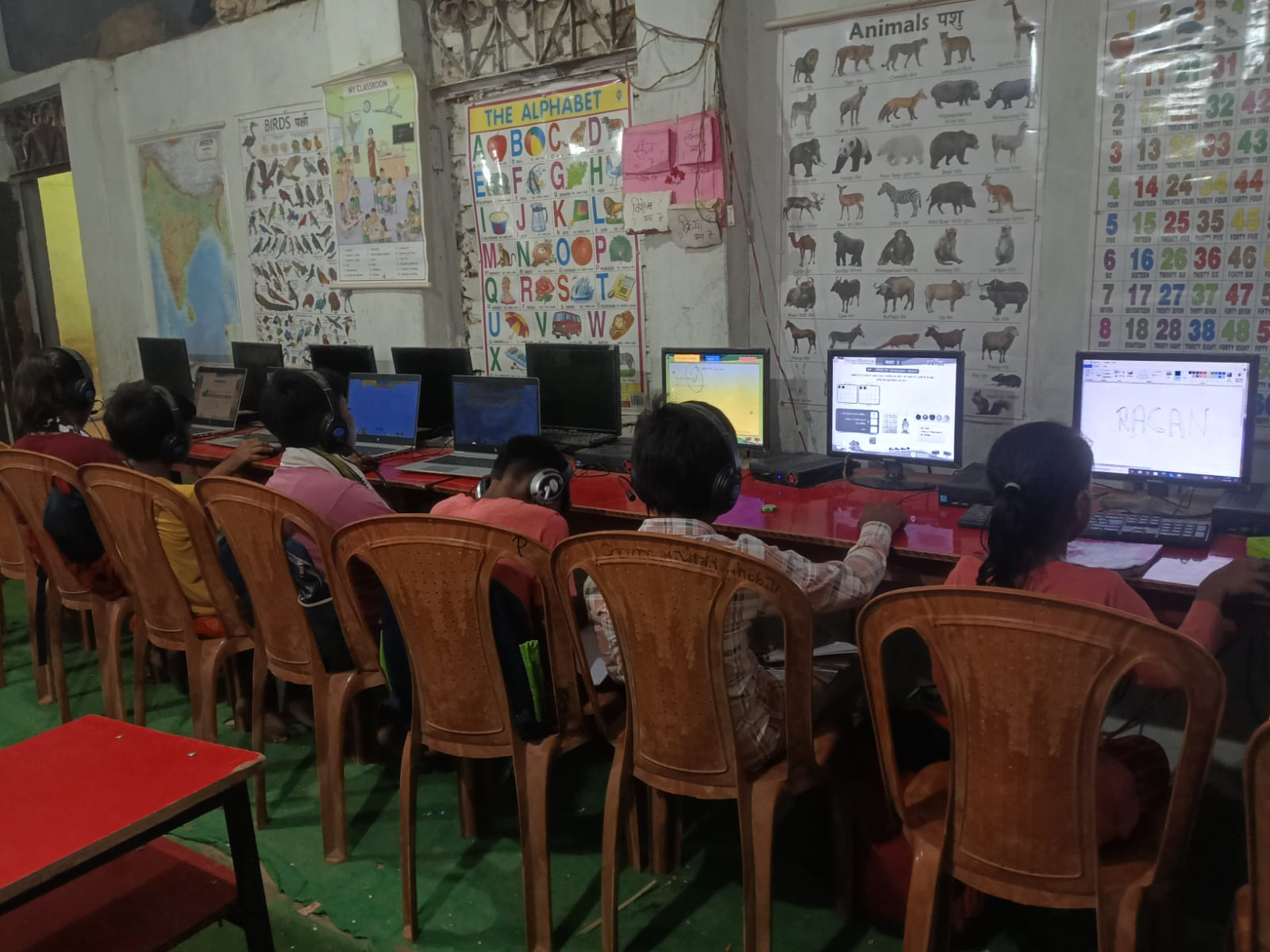
Revision is where most students fail. They read notes passively and forget everything. A board exam computer changes this. Use it to create digital flashcards, organise subjects by chapter, and set daily revision goals.
Create a folder structure on your device: one for each subject, subdivided by topics. Store PDFs, video links, and your own typed notes. This organisation saves hours of searching when exam day approaches.
Learn more about how students can use a computer for daily revision to build a sustainable study routine that actually works.
Board Exam Computer: Taking Mock Tests and Practice Papers
Mock tests are non-negotiable for board exam preparation. Online mock test platforms let you attempt full papers under timed conditions. Your board exam computer lets you practice exactly as you’ll perform on exam day.
After each mock test, analyse your mistakes. Keep a document tracking weak topics. Spend extra time on these areas. This data-driven approach beats random studying every time.
Discover why computer practice builds confidence before exams and how it directly improves your final scores.
Organising Study Materials on Your Board Exam Computer
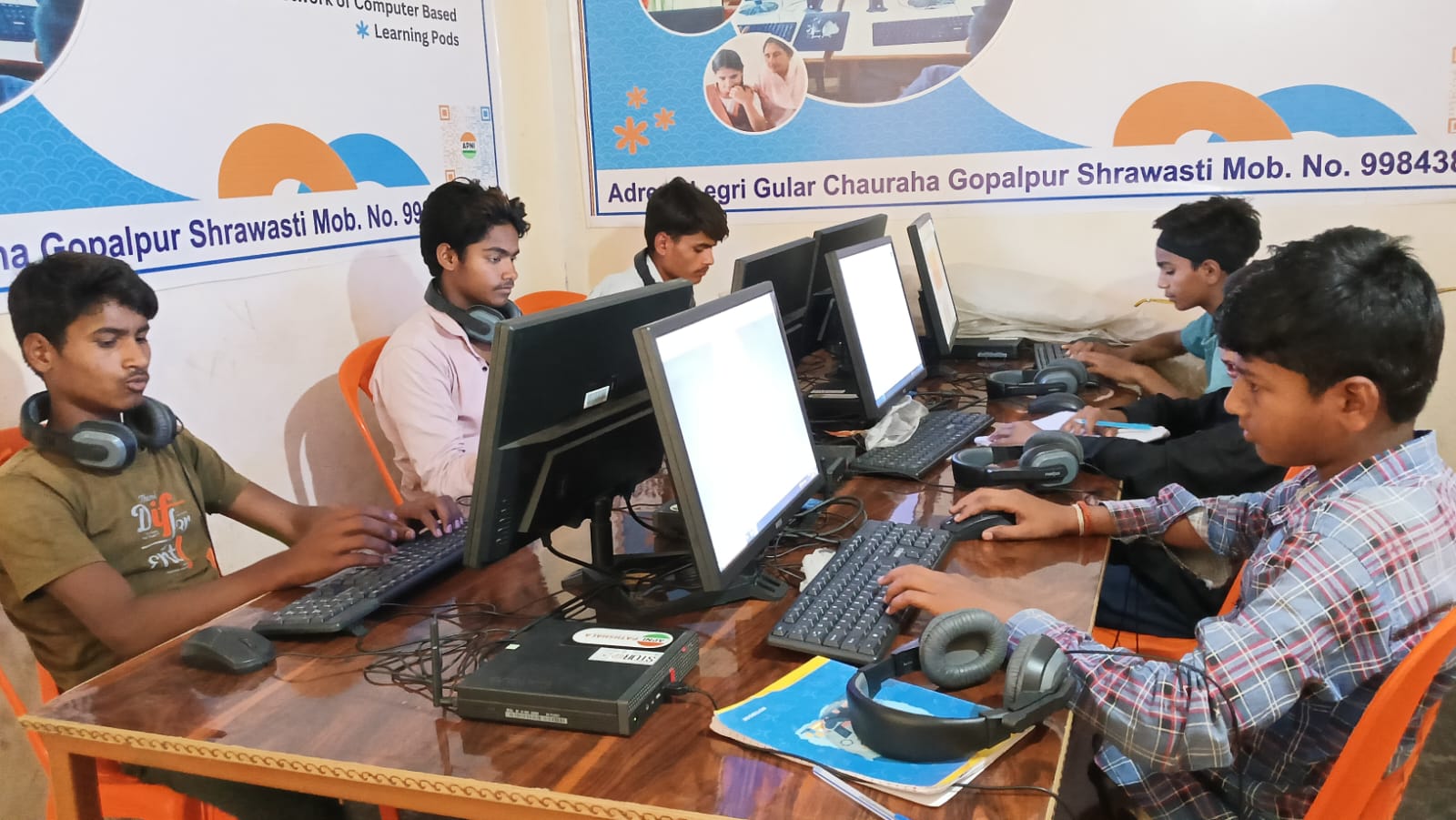
Scattered notes and lost files create panic. Your board exam computer should be your central hub. Use cloud storage like Google Drive to back up important files. Never lose your study materials again.
Download textbook PDFs, teacher notes, and reference materials. Organise them logically. Use consistent naming conventions. When you need something specific, find it in seconds, not minutes.
Create a master study schedule spreadsheet. Track which chapters you’ve completed, which need revision, and when your exams are. Update it weekly. This keeps you accountable and on track.
Using Online Resources Through Your Board Exam Computer
YouTube channels, educational websites, and online forums are goldmines of information. Your board exam computer gives you instant access to explanations of tough concepts from teachers worldwide.
Join online study groups relevant to your board and subjects. Participate in discussions. Ask questions. Teach others—teaching reinforces your own understanding.
Use subject-specific apps and websites recommended by your teachers. Many are free or low-cost. Your board exam computer is powerful enough to run all of them smoothly.
Managing Your Time With a Board Exam Computer
Time management is everything during board exams. Use your computer to set reminders, create study schedules, and track progress. Digital calendars help you plan revision around other commitments.
Use the Pomodoro technique: 25 minutes focused study, 5 minutes break. Set timers on your board exam computer. This method prevents burnout and keeps you productive.
Avoid distractions. Disable notifications during study hours. Use website blockers if needed. Your board exam computer should be a study tool, not an entertainment device.
Why Apna PC Is the Perfect Board Exam Computer for Students
Apna PC computers are designed with students in mind. They’re affordable at Rs.21,000, eliminating cost barriers. They’re reliable, fast enough for multitasking, and built to last through your entire academic journey.
These devices come pre-loaded with educational software and can handle online classes, video tutorials, and mock test platforms without lag. You get genuine support and warranty, so you study without worrying about technical issues.
Investing in a student PC isn’t a luxury—it’s an investment in your future. Your board exam scores directly impact your college options and career path.
Final Tips for Board Exam Computer Success
Start using your board exam computer immediately. Don’t wait until exams are near. Build good study habits now. Consistency matters more than intensity.
Back up your files regularly. Keep your device updated. Maintain a clean, organised desktop. These small habits prevent last-minute disasters.
Remember: your board exam computer is a tool. Your discipline and effort are what truly matter. Use this device to amplify your hard work, not replace it.
Visit apnapc.com to learn more about affordable educational computers designed for Indian students like you. Prepare smarter. Score higher. Secure your future.