


Yes, a PC can significantly help with student interview preparation by giving you access to mock interview platforms, video recording tools, and career resources all in one place. A computer lets you practice answers, record yourself, and review your performance before the real interview.
This article covers how a PC supports interview prep, what tools and software help most, and how to build a practice routine that works.
How does a PC help with student interview preparation?
A PC gives you the space and tools to prepare for interviews seriously. You can research companies, watch interview tips, take notes, and practice speaking without feeling rushed or self-conscious.
With a computer, you can record mock interviews to see how you come across. You’ll notice things like filler words, eye contact habits, and body language that you might miss in a live practice. You can also type out answers to common questions and refine them before speaking them aloud. A full-size keyboard and screen make this work comfortable for long study sessions.
What interview preparation tools work best on a PC?
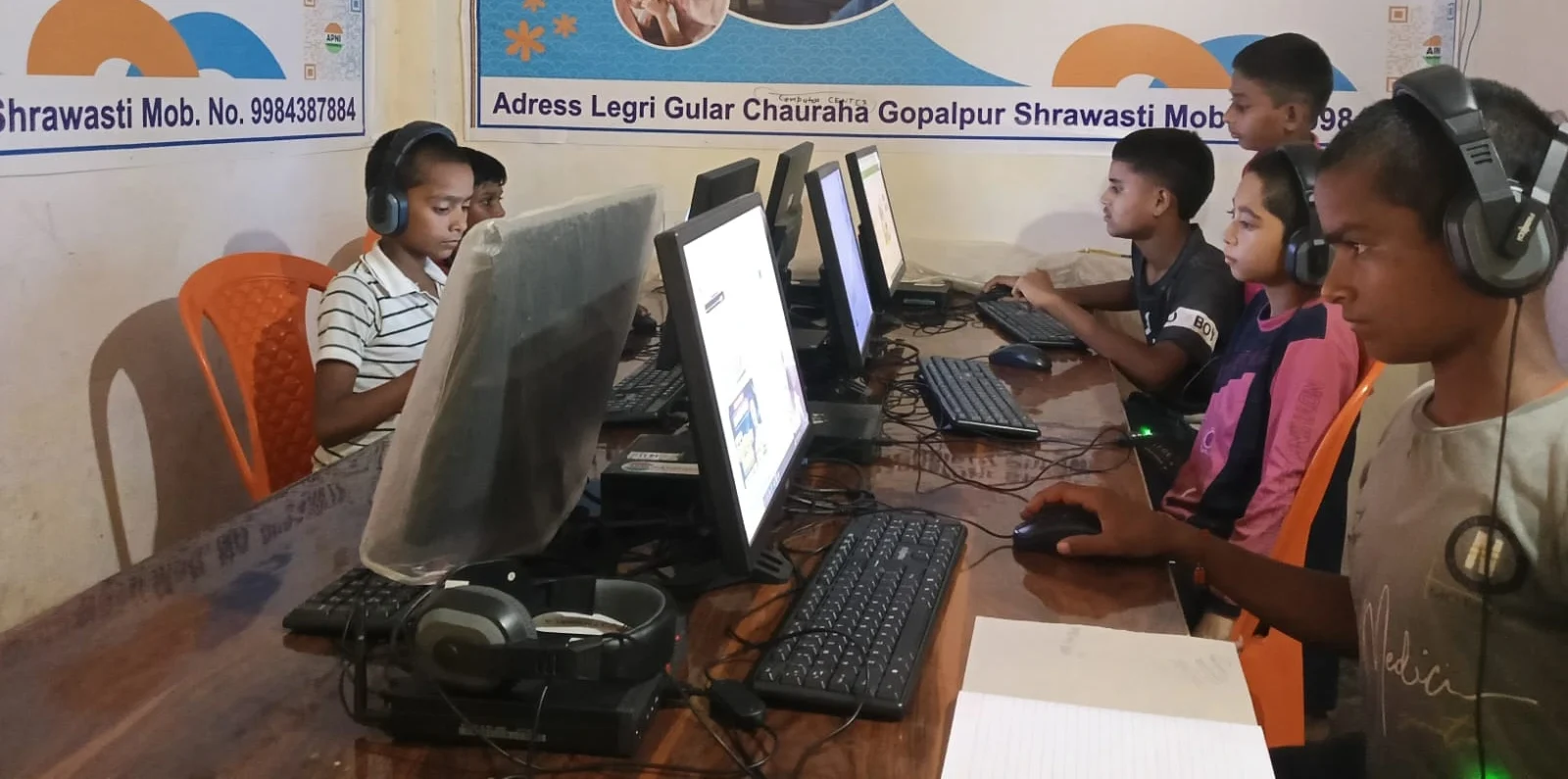
Several free and affordable tools help you prepare on a computer. LibreOffice (pre-loaded on Apna PC) lets you write and organise your answers, resume notes, and company research in one document. Your PC’s built-in camera and recording software let you film mock interviews and play them back to spot areas to improve.
Video platforms and interview coaching websites often work smoothly on a PC with a stable internet connection. You can pause, rewind, and take notes while watching tips from career experts. A PC also lets you keep all your prep materials in one organised folder: your resume draft, company information, practice questions, and recorded videos.
Can you practice mock interviews on an affordable PC?
Absolutely. You don’t need an expensive computer to do effective mock interview practice. An affordable PC like Apna PC has enough power to run video calls, recording software, and research websites smoothly.
Mock interviews work best when you can see yourself and hear yourself clearly. A PC with a working camera, microphone, and screen gives you that. You can also ask a friend or family member to conduct a practice interview with you over a video call on your PC, which feels more realistic than practising alone. India’s digital infrastructure supports reliable video calls for this kind of learning, as outlined in the Digital India initiative.
How should you set up your PC for interview practice?
Start by creating a quiet, clean space for your practice sessions. Make sure your PC is on a desk or table at eye level so your camera captures you naturally. Test your microphone and camera before you begin to make sure they’re working.
Organise your files on your PC into folders: one for each company you’re interviewing with, one for practice questions, and one for your recorded videos. Having everything in one place saves time and keeps you focused. Write out your key talking points in a document you can refer to before each practice session. A full-size keyboard makes typing and organising notes much easier than a small one.
What’s a realistic PC-based interview prep routine?
A good routine spreads your practice over several weeks, not just a few days. Here’s a simple structure you can follow:
| Week | Focus | PC Activity |
|---|---|---|
| Week 1 | Research and planning | Research companies, write down key facts, list common questions |
| Week 2 | Answer drafting | Type out answers to 10-15 common interview questions |
| Week 3 | Mock practice | Record yourself answering questions, watch the videos, note improvements |
| Week 4 | Peer practice | Do a video call mock interview with a friend using your PC |
Repeat this cycle for each interview you have coming up. The more you practice on your PC, the more natural your answers will feel in the real interview.
How does having your own PC improve your confidence?
With your own computer at home, you can practice as much as you want without worrying about time or space. You’re not rushed, and you don’t feel self-conscious about repeating the same questions.
Confidence comes from repetition and seeing yourself improve. Recording your practice sessions on your PC lets you track your progress week by week. You’ll notice your answers getting smoother, your pace steadier, and your nerves calmer. This real evidence of improvement builds genuine confidence that shows in your final interview.
A PC also connects you to broader learning. You can access resources and other career guides that teach interview skills step by step. The more you learn, the more prepared and confident you feel. Apni Pathshala offers structured learning paths that support career readiness alongside interview prep.
What if you’re nervous about using a PC for practice?
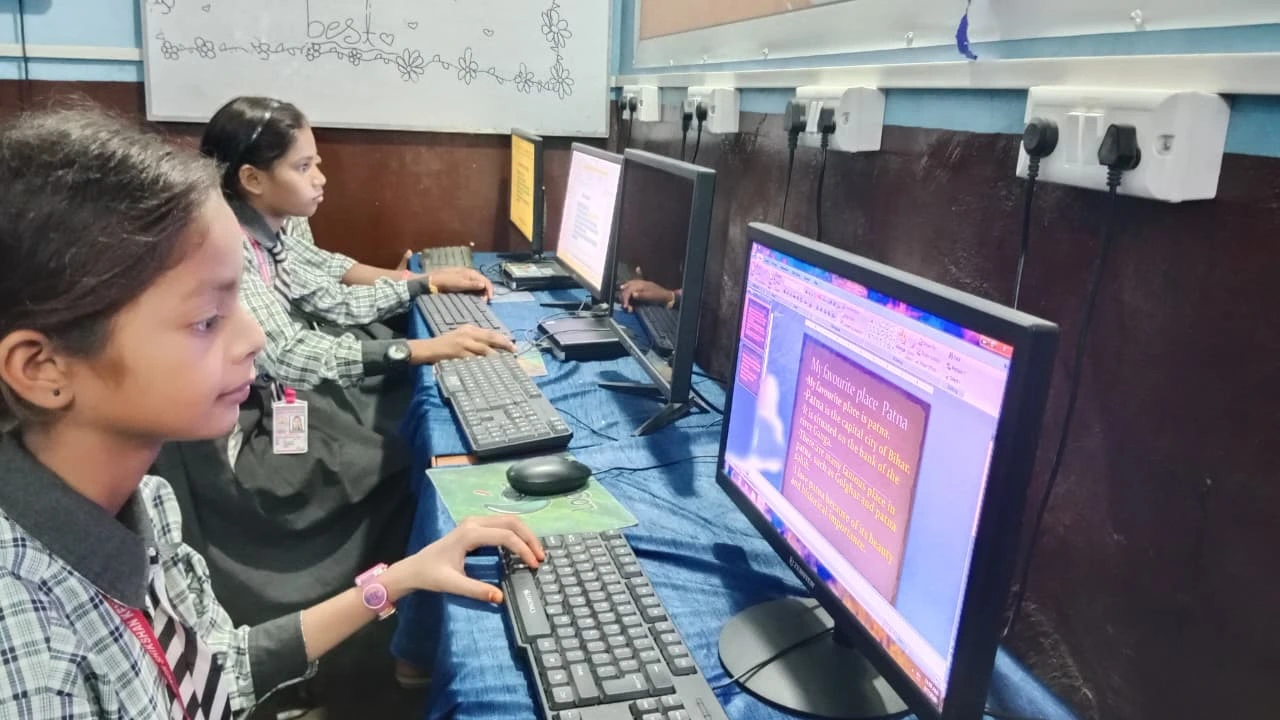
Many students feel awkward recording themselves or practising on a computer at first. That’s completely normal. Start small: record just one answer to one question, watch it, and then try again. You don’t have to do a full mock interview on day one.
If screen time worries you, remember that interview prep is active learning, not passive scrolling. You’re using the PC as a tool to build a real skill. If you find yourself avoiding the PC, a few simple changes can help you feel more comfortable using your computer for study. You might also follow a structured 90-day plan to build your confidence with a PC gradually.
How does education policy support student skill-building?
India’s education system encourages students to develop career and communication skills alongside academics. The Ministry of Education promotes digital literacy and practical skill development as part of modern schooling. Interview preparation fits naturally into this goal because it teaches you to communicate clearly, think on your feet, and present yourself professionally.
Having access to a PC at home supports this learning. You can practice these skills independently, at your own pace, and in a safe environment. This kind of self-directed learning is increasingly important as careers evolve and employers value both technical knowledge and soft skills.
Frequently Asked Questions
Do I need special software to record mock interviews?
No. Most PCs come with basic recording tools built in. You can use your camera app, screen recording software, or free tools available online. LibreOffice, which comes pre-loaded on Apna PC, also has note-taking and document tools perfect for organising your prep materials and answers.
How long should I practice interview prep on my PC each day?
Start with 30-45 minutes per day, 4-5 days a week. This gives you enough time to research, write answers, or do one mock practice session without burning out. Quality matters more than hours. Focused, intentional practice on your PC beats long, distracted sessions.
Can I use my PC to research companies before interviews?
Absolutely. Use your PC to visit company websites, read about their mission and recent news, and note questions you want to ask. Write this research into a document on your PC and review it before each practice session so the information stays fresh in your mind.
Will practising on a PC make me better at real interviews?
Yes. Practice on your PC builds muscle memory for your answers, helps you manage nervousness, and lets you see exactly how you come across. These skills transfer directly to the real interview. The more you practice, the more natural and confident you’ll be when it matters.